

Osh
1.21.11SHADERby xsoras
Preview


About
[](https://discord.gg/XgH4EpyPD2) > *Bend the world. Keep the performance.* Introduces a brand-new fisheye lens effect, bringing a subtle wide-angle camera feel to Minecraft. The screen is warped dynamically from the center outward, creating a more immersive and stylized perspective without affecting gameplay mechanics or world geometry. 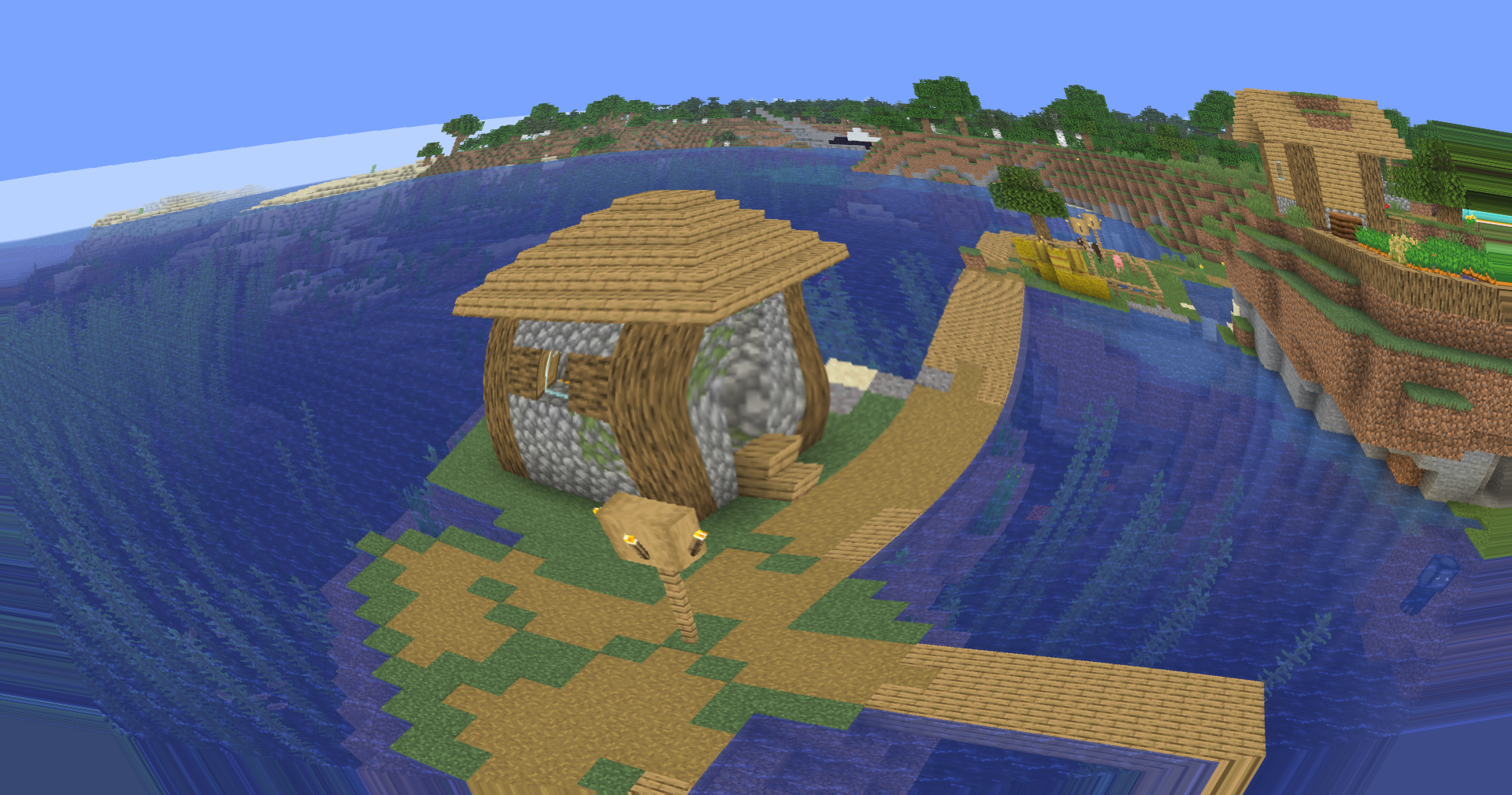 - 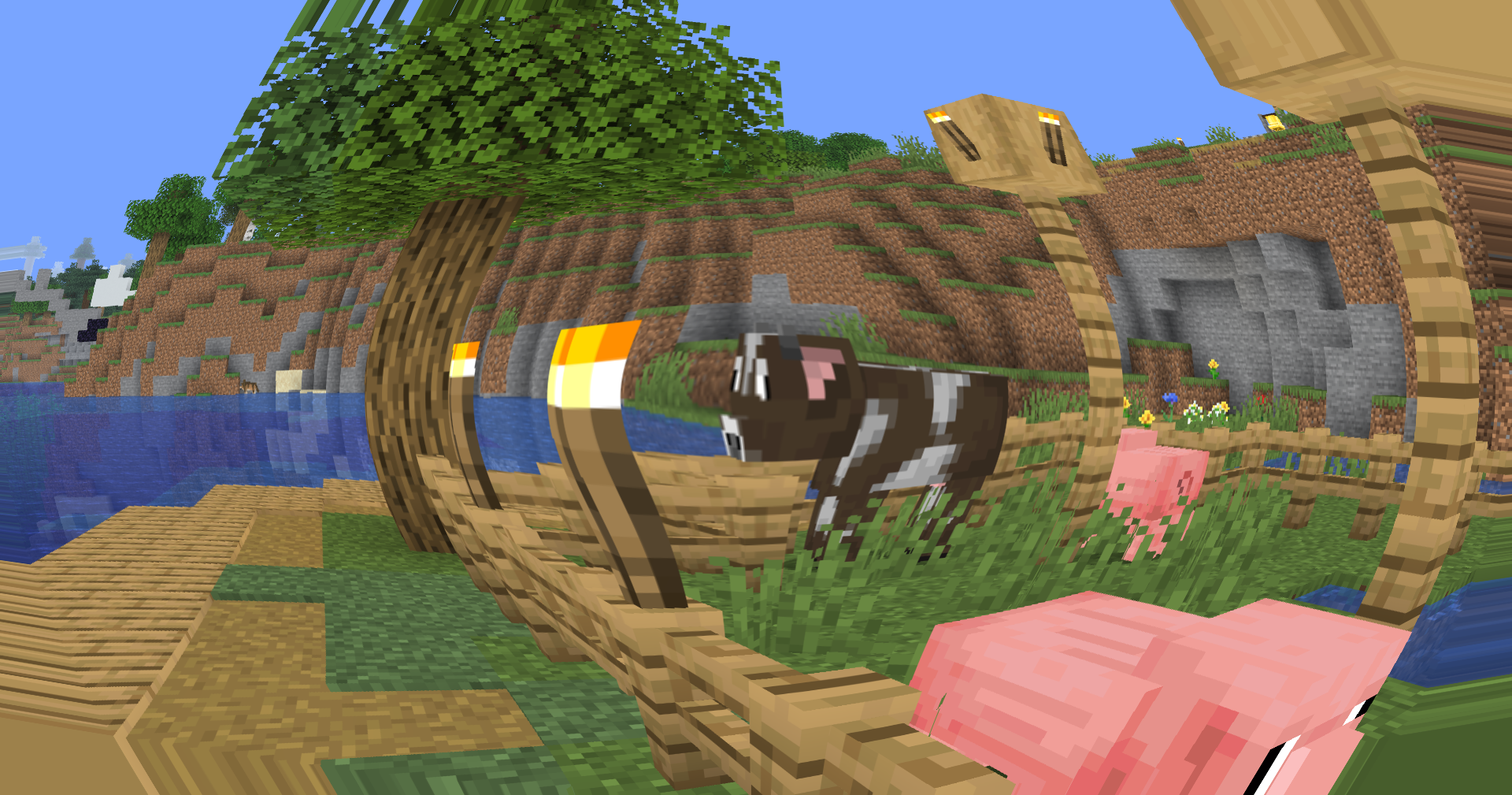 ### 🐟 Fisheye Lens Distortion A custom screen-space fisheye shader now remaps the final rendered image through radial UV di...
Read more on ModrinthPreview


Versions
Osh 0.5
1 month ago

xsoras
Owner
Related Shaders

Clarity
FullBright2 is now named Clarity and it removes all shadows and fog wich makes you see clearly everywhere and can be used for mining or travelling at night.

CTR VCR
Retro stylized shader that brings artifacts from CRT and VCR / VHS

Cursed Fog
Creepy, tense shaders that will tickle your nerves.

Flashlight Shader
Iris shader that gives you a flashlight!