
Phial
1.21.11SHADERby Snorfield
Preview
About
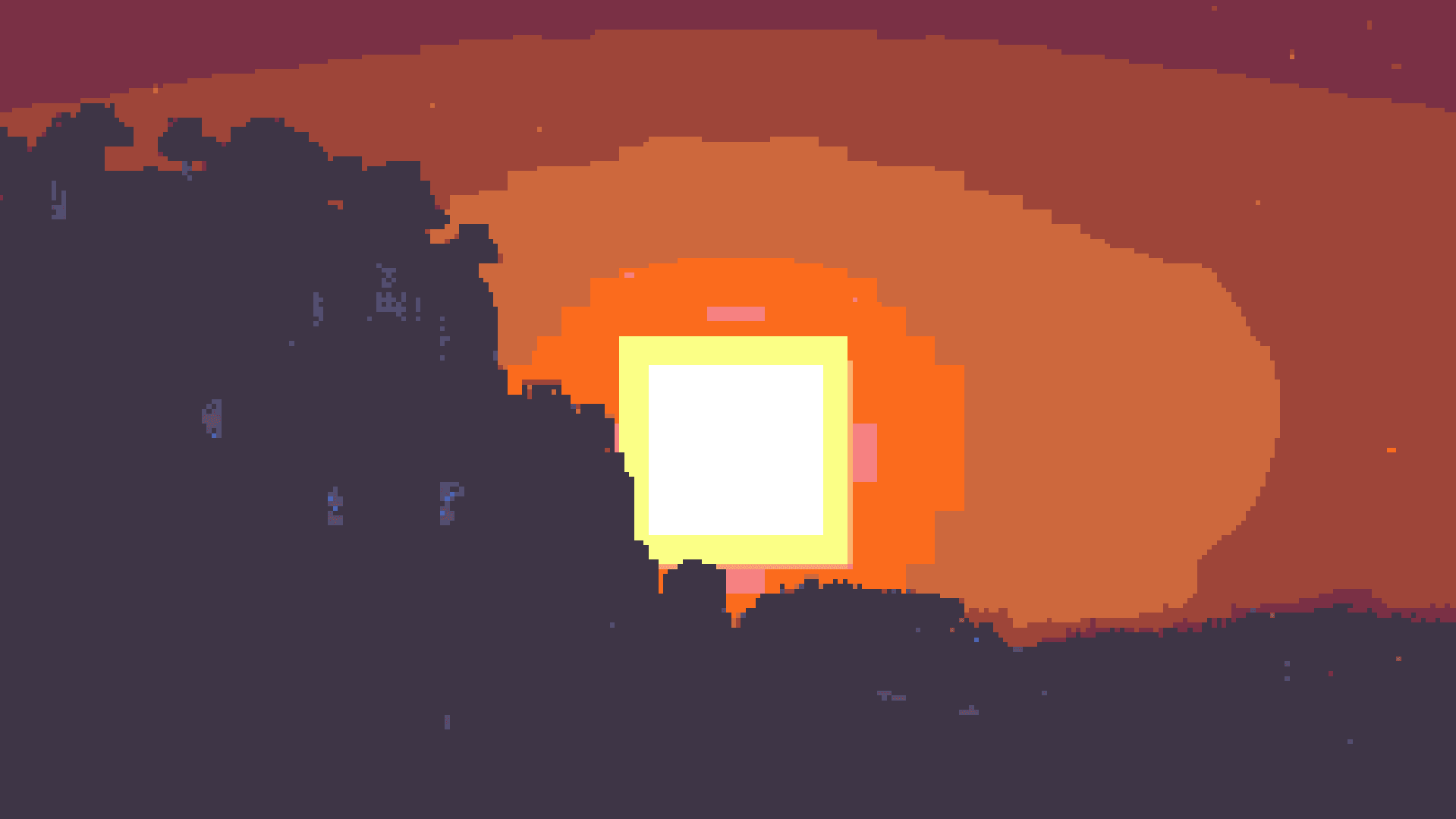
# Phial Phial is a work-in-progess shader that aims to add several post-processing options to mimic pixel art. As of the latest version it has: - Color quantization to limit the screen colors to a arbitrary color palette. (defaults to the [Ressurect 64](https://lospec.com/palette-list/resurrect-64) palette) - Customizable pixel mapping to lower the screen resolution - Ordered dithering - Customizable vignette ## Custom Palettes To input custom palettes, you can unzip the shader and locate the palette file at: ``` shaders\assets\palette.glsl ``` This requires a special format of storing colors, namely a vector 3 normalized GLSL array. To quickly convert a list of hex colors to this format, you can use the following site: https://snorfield.github.io/palette-to-shader/ Once converte...
Read more on ModrinthPreview
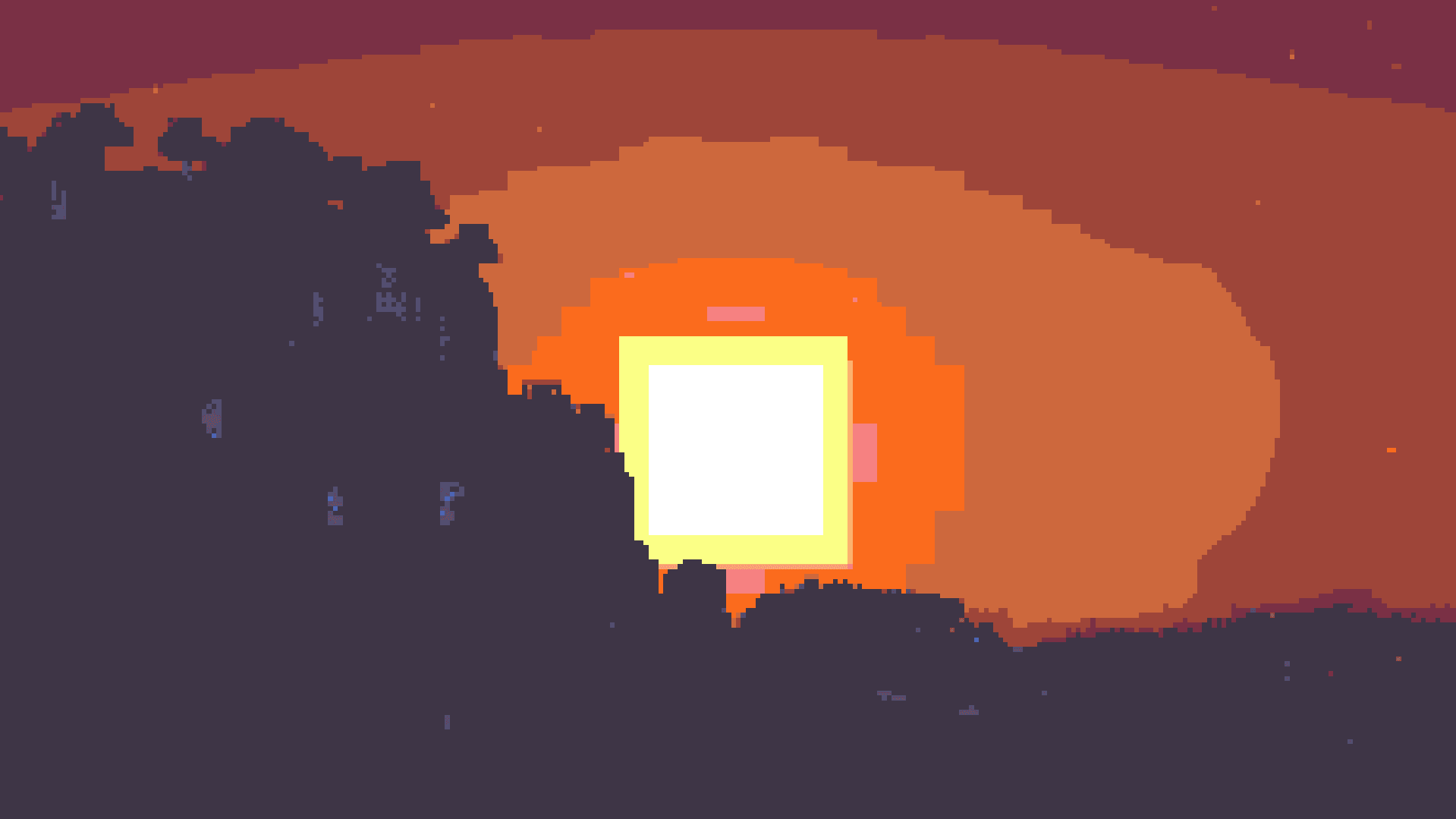
Resurrect 32 Palette
SLSO8 Palette
Versions
1.0.0 Bug Fix
8 months ago

Snorfield
Owner
Related Shaders

Complementary Shaders - Reimagined
Preserving the elements of Minecraft with exceptional quality, detail, and performance.

Complementary Shaders - Unbound
Transforming the visuals of Minecraft with exceptional quality, detail, and performance.

BSL Shaders
Shaderpack for Minecraft: Java Edition. It's bright, colorful, and distinct.

Solas Shader
A modern fantasy stylized shaderpack with colored lighting and stunning visuals