
Potato Shaders
1.21.11SHADERby RRe36
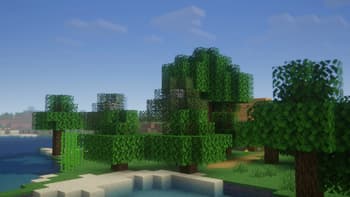
Preview
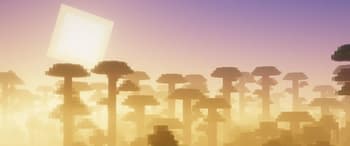
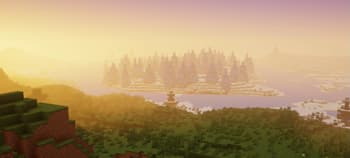
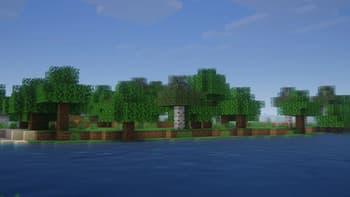
About
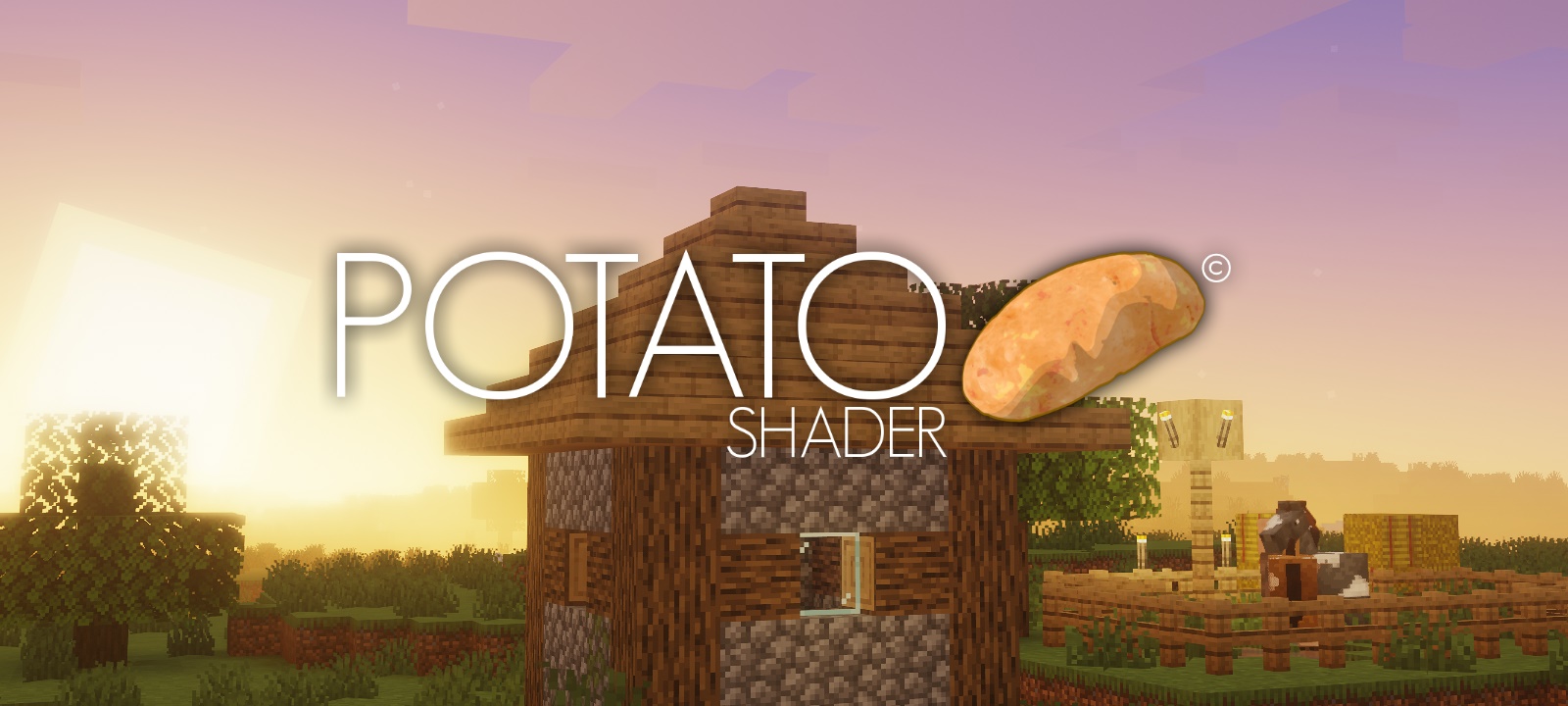 ## What is the Potato Shader? This is a shaderpack that tries to stay as lightweight as possible to, as its name might suggest, even be usable on a literal potato of a PC. However it still tries to enhance the visuals in a reasonable way, despite lacking the fabled dynamic shadows and other effects of expensive nature. It also provides a degree of customizability through various ingame settings to allow you to get the experience you want. ## What features does it offer? * Dynamic Colors * Tonemapping * Bloom * Depth of Field * Motionblur * Temporal Anti-Aliasing * Ambient Occlusion * Custom Water * Normalmap Support and many more. ## Any Requirements? * OptiFine for 1.12 or ne...
Read more on ModrinthPreview
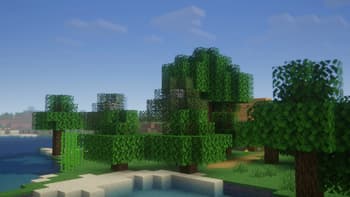
Potato Shaders v1.0
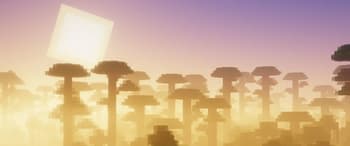
Potato Shaders v1.0
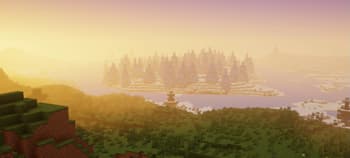
Potato Shaders
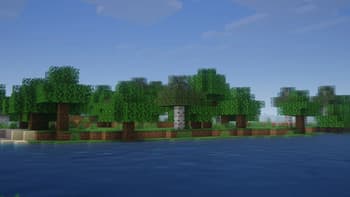
Potato Shaders v1.0
Versions
Potato Shaders v1.0d
3 years ago
Potato Shaders v1.0c
3 years ago
Potato Shaders v1.0b
3 years ago
RRe36
Owner
Related Shaders

Complementary Shaders - Reimagined
Preserving the elements of Minecraft with exceptional quality, detail, and performance.

Complementary Shaders - Unbound
Transforming the visuals of Minecraft with exceptional quality, detail, and performance.

BSL Shaders
Shaderpack for Minecraft: Java Edition. It's bright, colorful, and distinct.

Photon Shaders
A gameplay-focused shader pack with a semi-realistic style