

PS2 Shader
1.21.11SHADERby naklirajveer
Preview


About
# PS2 Shader A CRT TV-inspired shader that brings the look of PS2-era gaming straight into Minecraft. Retro fog, film-like color grading, and old-school visual filters — all running at full speed on low-end hardware. 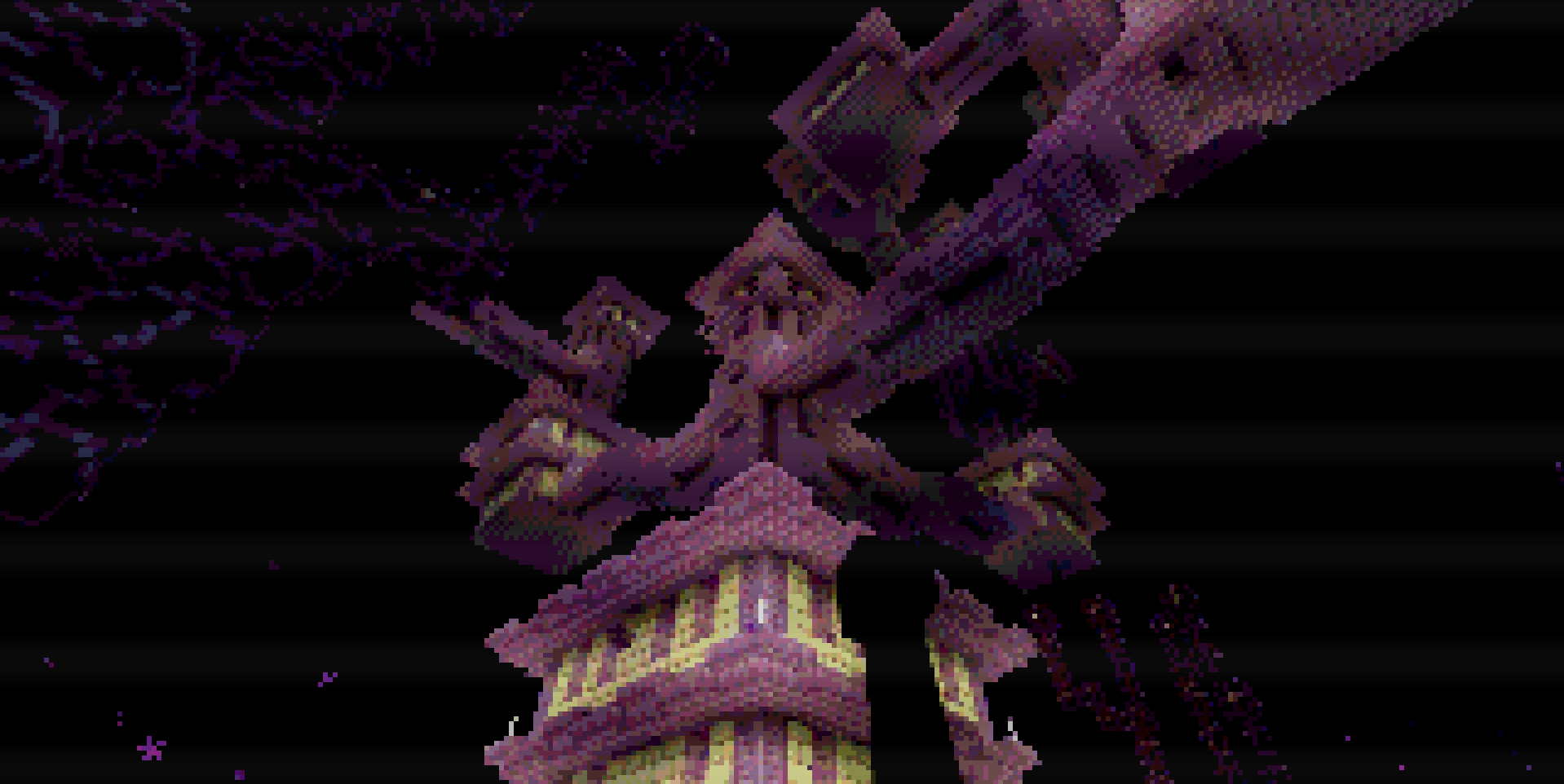 **Features:** - CRT fog with adjustable render distance - Brightness, contrast, and saturation controls - Fully customizable via Iris shader menu - Runs on potato PCs **Requires Iris Shaders.**
Preview

Overworld

Desert Pyramid

Nether

Showcase
Versions
1.1
2 weeks ago
1.0
2 weeks ago
Related Shaders

Complementary Shaders - Reimagined
Preserving the elements of Minecraft with exceptional quality, detail, and performance.

Complementary Shaders - Unbound
Transforming the visuals of Minecraft with exceptional quality, detail, and performance.

BSL Shaders
Shaderpack for Minecraft: Java Edition. It's bright, colorful, and distinct.

Solas Shader
A modern fantasy stylized shaderpack with colored lighting and stunning visuals