PSX-Core Shader
1.21.11SHADERby Dooji
Preview
About
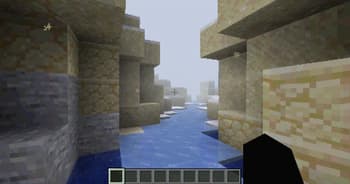
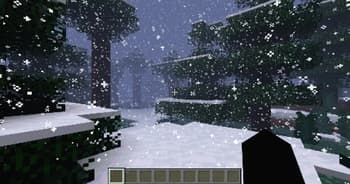
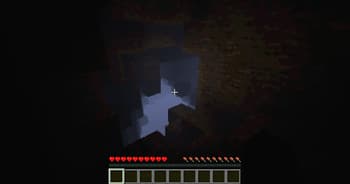
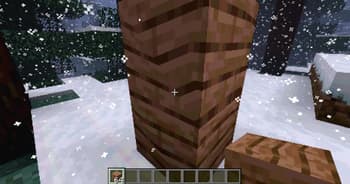
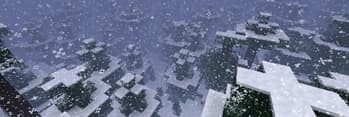
 A Minecraft shader that recreates PS1 visuals. Features: - Ordered dithering - 5-bit per-channel color quantization - Gouraud shading with banded light levels - Vertex snapping - Affine texture mapping - Fog (scary) Most of these are configurable via the shader settings! Only thoroughly tested with Iris on 1.21.11 (works on older versions too, please report bugs). # Preview > See more on the Gallery page! With fog (default):  Without fog: 
Daytime, Fog
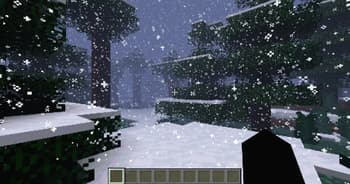
Snow!
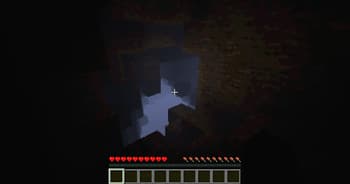
Dark Cave
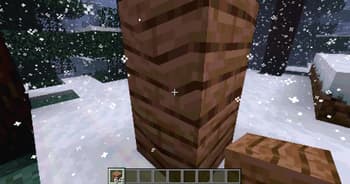
Affine Texture Mapping
Versions
PSX-Core Shader v0.1.5
4 months ago
PSX-Core Shader v0.1.4
4 months ago
PSX-Core Shader v0.1.3
4 months ago
PSX-Core Shader v0.1.2
5 months ago
PSX-Core Shader v0.1.1
5 months ago
PSX-Core Shader v0.1.0
5 months ago

Dooji
Owner
Related Shaders

Complementary Shaders - Reimagined
Preserving the elements of Minecraft with exceptional quality, detail, and performance.

Complementary Shaders - Unbound
Transforming the visuals of Minecraft with exceptional quality, detail, and performance.

BSL Shaders
Shaderpack for Minecraft: Java Edition. It's bright, colorful, and distinct.

Photon Shaders
A gameplay-focused shader pack with a semi-realistic style