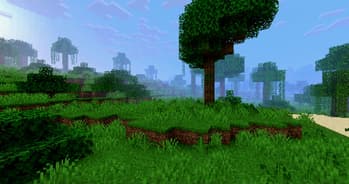

PSX Shader NB
1.21.11SHADERby Thrasos
Preview
About
# PSX Shader NB This shader pack is a fork of ckosmic's [Minecraft PSX Shader](https://github.com/ckosmic/minecraft-psx) that mimics the look and feel of PlayStation 1 graphics. ## Changes in this Fork ### No-Bounce Vertex Fix Changed vertex transformation to eliminate the bouncing effect when moving. Changed the vertex transformation from: ```glsl vec4 position4 = mat4(gl_ModelViewMatrix) * vec4(gl_Vertex) + gl_ModelViewMatrix[3].xyzw; ``` to standard transformation: ```glsl vec4 position4 = gl_ModelViewMatrix * vec4(gl_Vertex); ``` ### Dynamic Hand Light Added real dynamic lighting from held light sources (torches, lanterns, etc.). Light now updates continuously as you move, rather than only when breaking/placing blocks. Uses `heldBlockLightValue` / `heldBlockLightValue2` unifo...
Read more on ModrinthPreview
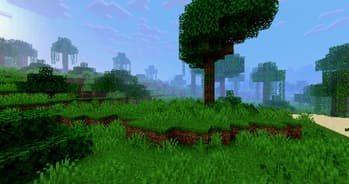
Screenshot 1
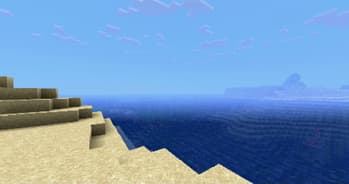
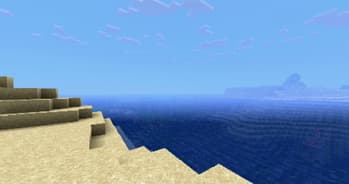
Screenshot 2
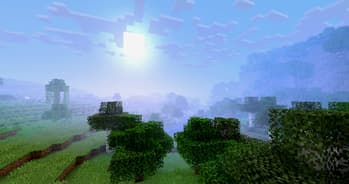
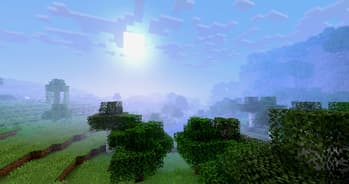
Screenshot 3
Versions
PSX Shader NB 1.2
3 months ago
PSX Shader NB 1.1
3 months ago
PSX Shader NB 1.0
1 year ago

Thrasos
Owner