PVP ZeroX
1.21.11SHADERby LoLip_p
Preview
About
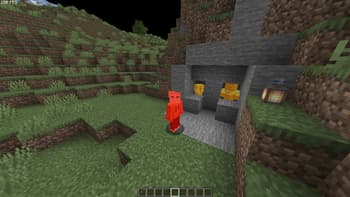
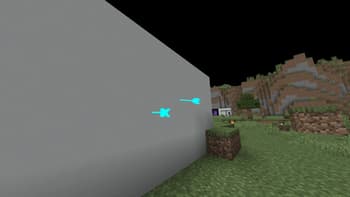
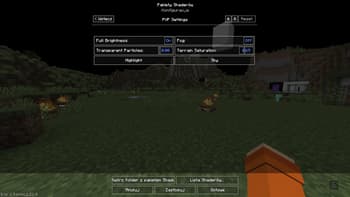
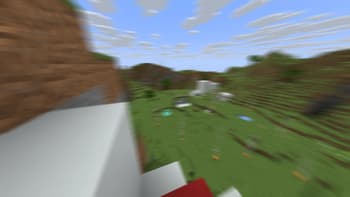
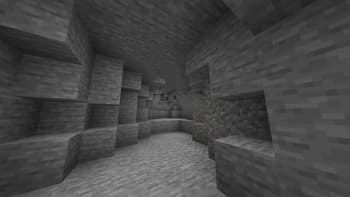
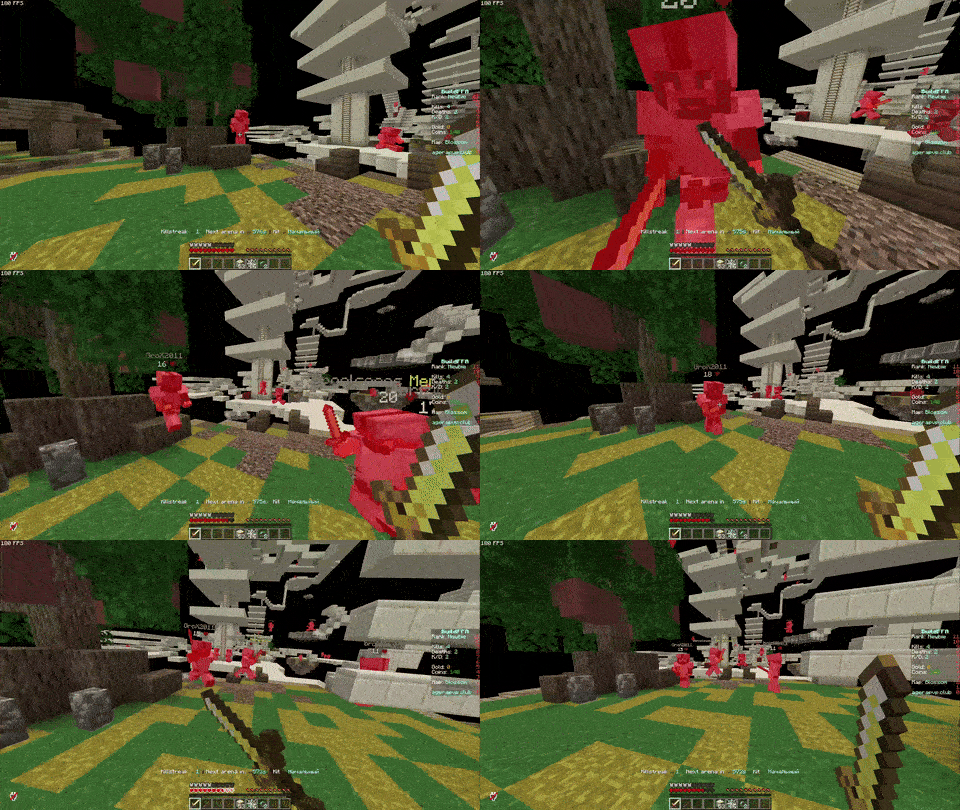
# ABOUT: PVP ZeroX is a shader designed for PVP. It adds: - Motion Blur (a cool graphic effect that improves game smoothness) - TAA (removes flickering, more information in the frame) Features that allow you to focus on PVP: - Full lighting brightness - Bright color highlighting of players and mobs - Arrow highlighting - Particle disable - Sharpness adjustment (make the image clearer!) - Terrain saturation reduction (nothing should distract you from PVP) All settings can be adjusted, enabled, or disabled. There are also 3 presets to suit your taste. If you have any ideas for what else to add, please write to [Discord](https://discord.gg/Cz2sCWz5Wh). ## PVP GIF:  ## LINKS: - [Discord](...
Read more on ModrinthPreview
Featured
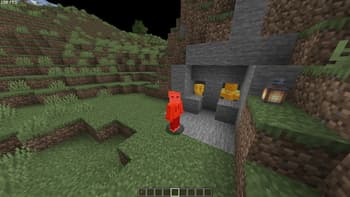
Players Highlight
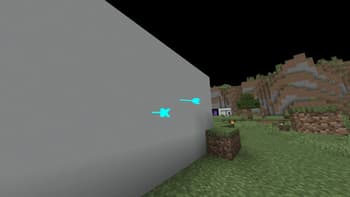
Arroy Highlight
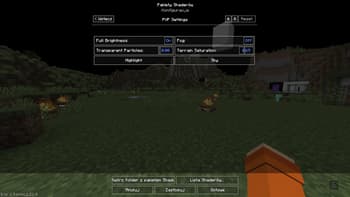
PVP Settings
Versions
First Release
7 months ago
LoLip_p
Owner
Related Shaders

Clarity
FullBright2 is now named Clarity and it removes all shadows and fog wich makes you see clearly everywhere and can be used for mining or travelling at night.

CTR VCR
Retro stylized shader that brings artifacts from CRT and VCR / VHS

Cursed Fog
Creepy, tense shaders that will tickle your nerves.

Flashlight Shader
Iris shader that gives you a flashlight!