
Retrofy
1.21.11SHADERby Niblan
4.9K6
How to Install:
1. Download shader file→2. Open Minecraft with OptiFine/Iris→3. Video Settings > Shaders→4. Put file in shaders folder
Installation:
1. Download shader file•2. Open Minecraft with OptiFine/Iris•3. Go to Video Settings > Shaders•4. Click Shaders Folder•5. Put file in folder & select
Preview
About
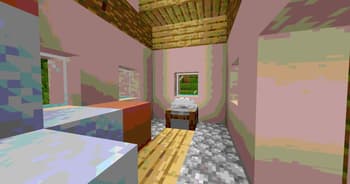
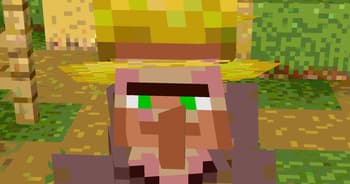
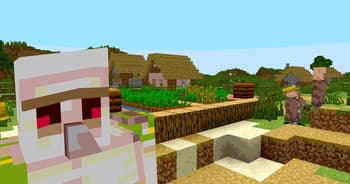
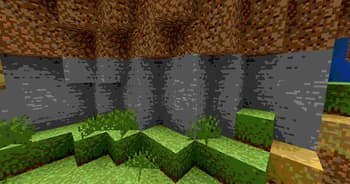
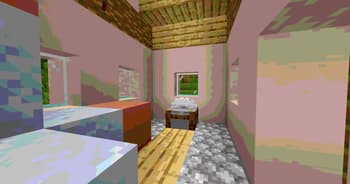
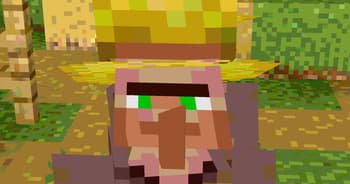
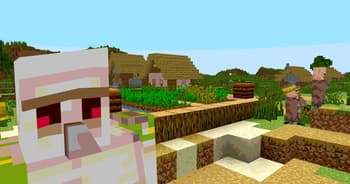
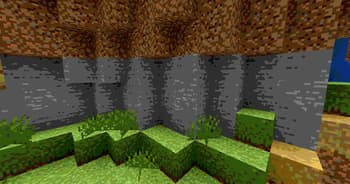
Retrofy is a shader i made to capture some of the retro feel. The shader is easy to run, and works for multiple versions. This is one of my first shades i made, so don't expect to much. This is practice for me to shaders in general, to make a 3d engine using OpenGL and C++. :)
Preview
Versions
Retrofy
10 months ago
Developers
Niblan
Owner
Related Shaders

Clarity
FullBright2 is now named Clarity and it removes all shadows and fog wich makes you see clearly everywhere and can be used for mining or travelling at night.
atmospherecartooncursedfantasyirislowoptifinepotatoshadowsvanilla-like
659.2K

CTR VCR
Retro stylized shader that brings artifacts from CRT and VCR / VHS
bloomcursedirislowoptifinepotatosemi-realisticvanilla-like
464.4K

Cursed Fog
Creepy, tense shaders that will tickle your nerves.
atmospherebloomcolored-lightingcursedhighirislowmediumoptifinepotatorealisticscreenshotsemi-realisticshadows
461.3K

Flashlight Shader
Iris shader that gives you a flashlight!
atmospherecursedirisoptifinepotatovanilla-like
340.4K