
Retrus
1.21.11SHADERby Eucloid
Preview
About
A simple little shader using a myriad of little effects to create a halfway decent VHS look. Perfect if you're trying to make a "found footage" video in minecraft. This is a CORE shader and WILL NOT WORK with optifine/iris. Should work perfectly on all versions 1.17+ (any version of minecraft with "fabulous" graphics). Will likely not be updated as I consider it to be feature complete. May update to fix possible bugs for newer versions of minecraft.
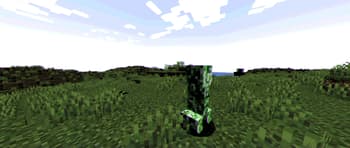
Preview
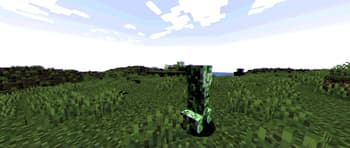
Shader with tinting off
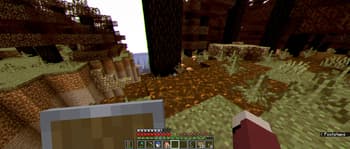
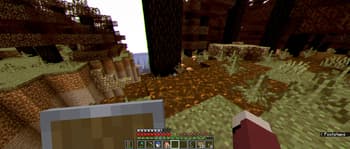
Shader in use in survival
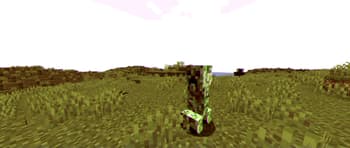
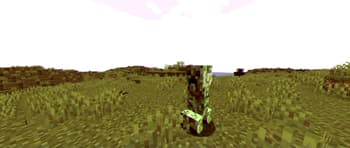
Shader with tinting
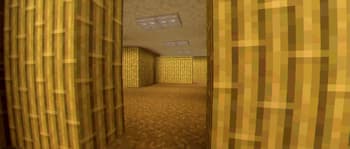
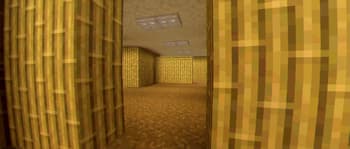
Recreation of the backrooms image using the shader
Versions
First Release
2 years ago

Eucloid
Owner
Related Shaders

Clarity
FullBright2 is now named Clarity and it removes all shadows and fog wich makes you see clearly everywhere and can be used for mining or travelling at night.

CTR VCR
Retro stylized shader that brings artifacts from CRT and VCR / VHS

Cursed Fog
Creepy, tense shaders that will tickle your nerves.

Flashlight Shader
Iris shader that gives you a flashlight!