
Rivet 1 Shaders
1.21.11SHADERby MortifiedTux
Preview
About
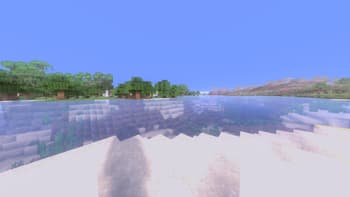
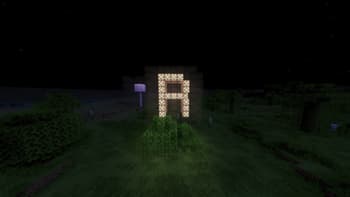
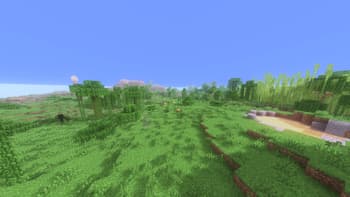
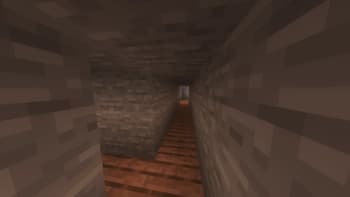
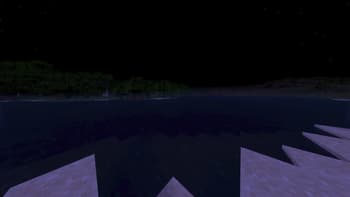
🌾 RIvet 1 – Semi-Vanilla Minecraft Shaders The first shader from the RYE Concern series. RIvet 1 brings a semi-realistic look to Minecraft without losing its original charm. It focuses on warm, natural lighting, soft shadows, and realistic reflections — all balanced to feel immersive, not overdone. ✨ Features: Smooth global lighting inspired by realistic daylight behavior. Subtle bloom and balanced tonemapping for natural contrast. Light reflections and gentle water shimmer — no overblown gloss. Optimized performance — should run smoothly even on low-range GPUs (like RX 580 / GTX 1660TI). 💡 Vision: Rivet 1 aims to make Minecraft feel more alive and atmospheric while staying true to its blocky roots. It’s realism that respects the original art style — not replaces it. we recomend t...
Read more on ModrinthPreview
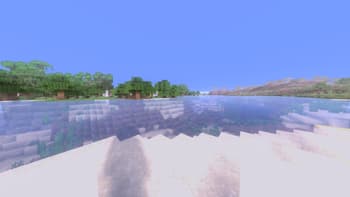
Rivet 1 V2.0 Photo 3
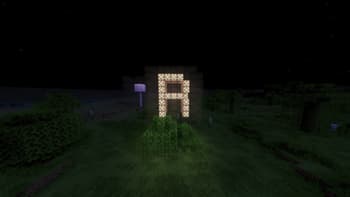
Rivet 1 V2.0 Photo 5
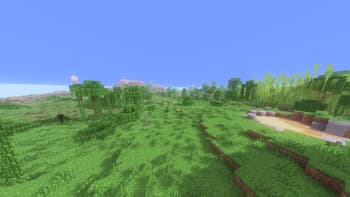
Rivet 1 V2.0 Photo 1
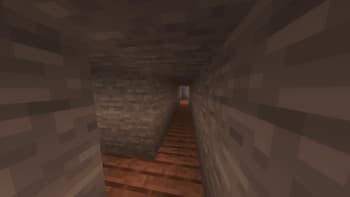
Rivet 1 V2.0 Photo 2
Versions
Rivet 1 Shaders 2.0
5 months ago
V1.40b-Beta
6 months ago
Rivet V1 Series
7 months ago
Rivet 1 Alpha V1
7 months ago
Rivet 1 V1 Series
7 months ago

MortifiedTux
Member

Dr-AlgrID
Founder
Related Shaders

Complementary Shaders - Reimagined
Preserving the elements of Minecraft with exceptional quality, detail, and performance.

Complementary Shaders - Unbound
Transforming the visuals of Minecraft with exceptional quality, detail, and performance.

Photon Shaders
A gameplay-focused shader pack with a semi-realistic style

Solas Shader
A modern fantasy stylized shaderpack with colored lighting and stunning visuals