
Rose's New Shades
1.21.11SHADERby pneey
Preview
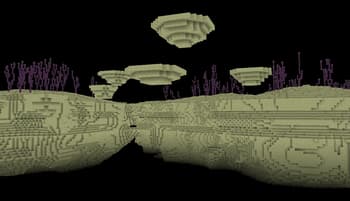
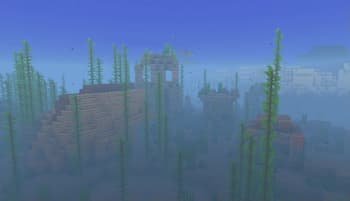
About
Hiiiiiiiii it's me again this time I learned glsl This pack of shaders was created because all the high performance shaders I found changed too much for my tastes and all the vanilla adjacent ones performed really poorly Because like, who needs realistic lighting in block game? I aim to keep this above 60fps (or 40 minimum) on my stinky integrated graphics so it should be fine on whatever you might have Enjoy :D
Preview
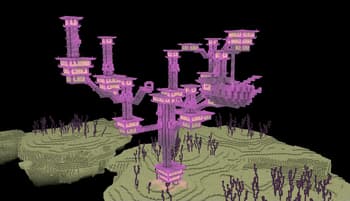
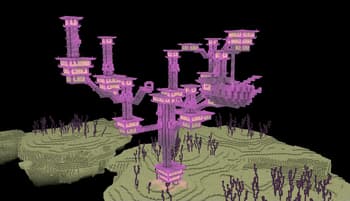
End City
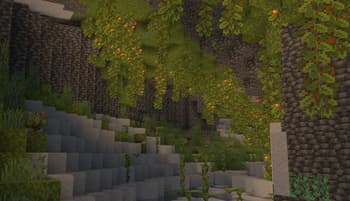
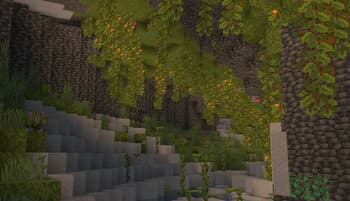
Lush Cave
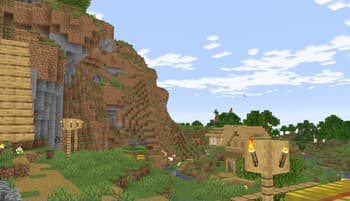
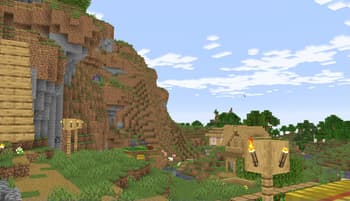
Village
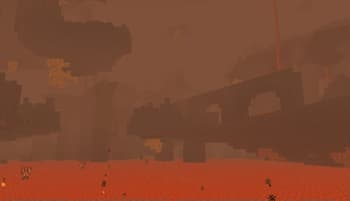
The Nether
Versions
RosesTranslatedShades
1 year ago
RosesNewShades_0.4
1 year ago
RosesNewShades_0.3
1 year ago
RosesNewShades_0.2
1 year ago
RosesNewShades-0.1
1 year ago

pneey
Owner
Related Shaders

Complementary Shaders - Reimagined
Preserving the elements of Minecraft with exceptional quality, detail, and performance.

Complementary Shaders - Unbound
Transforming the visuals of Minecraft with exceptional quality, detail, and performance.

BSL Shaders
Shaderpack for Minecraft: Java Edition. It's bright, colorful, and distinct.

Photon Shaders
A gameplay-focused shader pack with a semi-realistic style