

Serie
1.21.11SHADERby clorece
Preview


About
# Serie 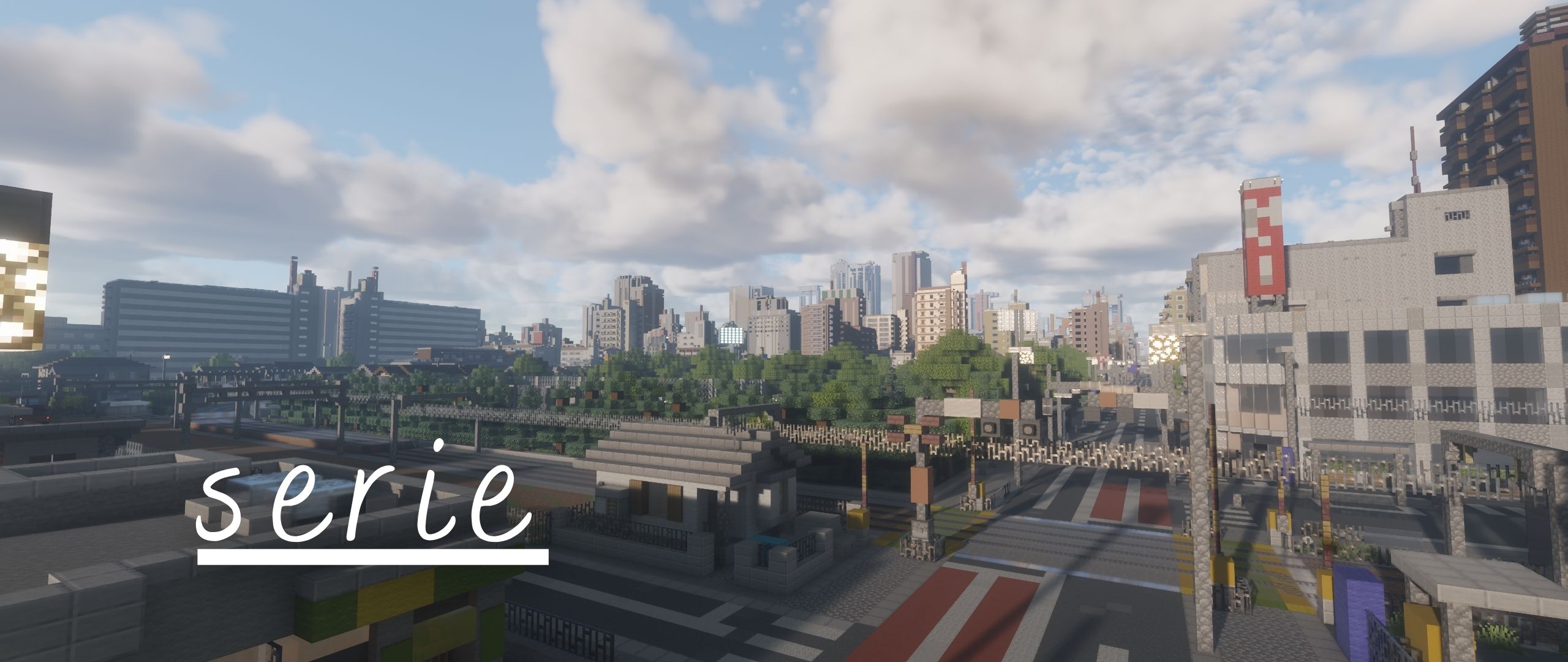 Serie is the path-traced successor to Allium and will serve as the base rewrite for allium's upcoming versions. ### IMPORTANT > Serie is under active development. Expect settings, buffer layouts, and visual behavior to change between builds, as well as bugs! ### About Minecraft 26.x and Vulkan > Support is planned but is not a main priority, serie has recently been rewritten from Allium and I would like to get to a stable release before attempting to move forward to another rewrite for 26.x and Vulkan. I know its not ideal for those wanting to play on the latest versions of Minecraft but for now these are the constraints that the shader pack is under ## Requirements - M...
Read more on ModrinthPreview

cool shot x2

Integrated PBR

Global Illumination

cool shot
Versions
Beta 2
8 hours ago
Beta 1
1 week ago

clorece
Owner