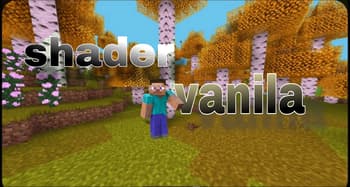

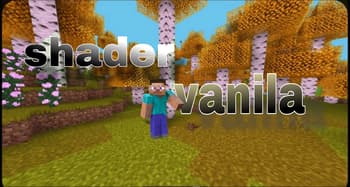
Shader_vanilla
1.21.11SHADERby H_Quy_mc
Preview

About
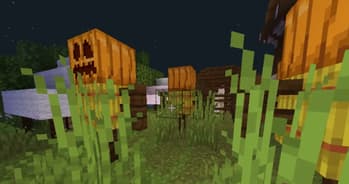
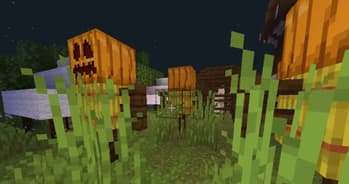
### ✨ Features Improved lighting and shadows Soft, dynamic shadows add depth to your world Improved entity shadows with reduced error Subtle ambient occlusion for realistic depth perception Warm glow from light sources with gentle flicker Waving plants Trees, flowers, and crops sway in the wind Particle improvements Improved particle rendering and effects Better integration of particles with the environment Performance optimizations Built with performance in mind Minimal impact on game FPS Compatible with a wide range of hardware ### 💻 Performance Shader_vanilla is designed to be lightweight while still delivering beautiful visuals. It should run smoothly on mid-range hardware, though performance may vary depending on your configuration. Recommended Specs: GPU: GTX 1050 or equivalent ...
Read more on ModrinthPreview
Shader
Shader

Icons
Versions
1.20.1 optifine
8 months ago
1.20.1 iris
8 months ago
1.21.5 optifine
8 months ago
1.21.5 iris
8 months ago
Shader_1.21_optifine
9 months ago
Shader 1.21 iris
9 months ago

H_Quy_mc
Owner
Related Shaders

Complementary Shaders - Reimagined
Preserving the elements of Minecraft with exceptional quality, detail, and performance.

Complementary Shaders - Unbound
Transforming the visuals of Minecraft with exceptional quality, detail, and performance.

BSL Shaders
Shaderpack for Minecraft: Java Edition. It's bright, colorful, and distinct.

Photon Shaders
A gameplay-focused shader pack with a semi-realistic style