
Sildur's Enhanced Default Shaders
1.21.11SHADERby Sildur
Preview
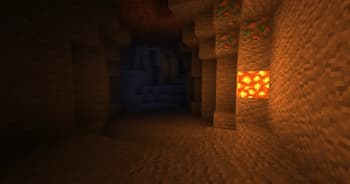
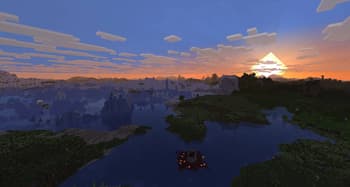
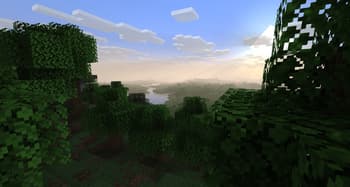
About
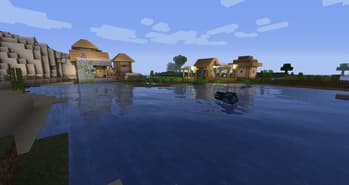
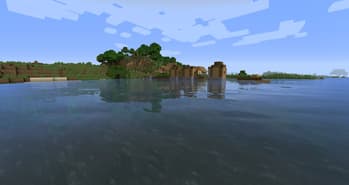
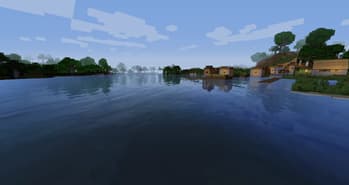
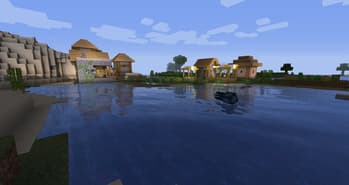
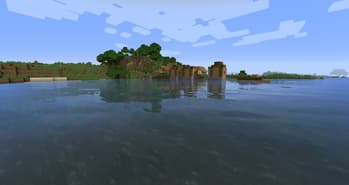
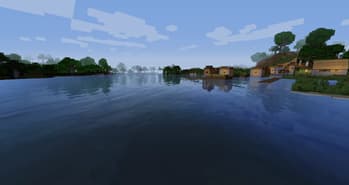
 # Sildur's Enhanced Default Shaders [Official Website & Changelogs](https://sildurs-shaders.github.io/) | [Patreon Support](https://www.patreon.com/Sildur) [Vibrant Shaders](https://modrinth.com/shader/sildurs-vibrant-shaders) | [Basic Shaders](https://modrinth.com/shader/sildurs-basic-shaders) ### About: Enhanced Default does what the name indicates. Instead of completely revamping the style of the game, it maintains the vanilla look and adds shadows, reflections, TAA, and even godrays. It's very lightweight and highly customizable, so even the worst potato is able to run it. It has a Fast and Fancy profile setting in the in-game shader options as well as download presets. Fast is quite a lot faster than the Fancy preset, so if you need all the f...
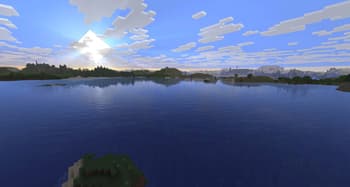
Read more on ModrinthPreview
Versions
Sildur's Enhanced Default 1.19 Fancy
1 month ago
Sildur's Enhanced Default 1.19 Fast
1 month ago
Sildur
Owner
Related Shaders

Complementary Shaders - Reimagined
Preserving the elements of Minecraft with exceptional quality, detail, and performance.

Complementary Shaders - Unbound
Transforming the visuals of Minecraft with exceptional quality, detail, and performance.

MakeUp - Ultra Fast
MakeUp aims to provide the best quality / performance ratio, building a shader that can be adapted to anyone's resources.

Mellow
Shaderpack with a painterly aesthetic made for people who want to actually play the game. It's easy on your eyes and on your computer!