
Sinus Shader - Sine Wave
1.21.11SHADERby nz3digital1
Preview
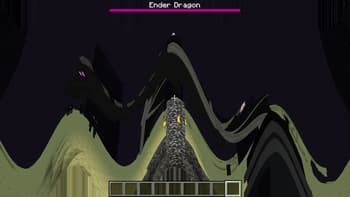

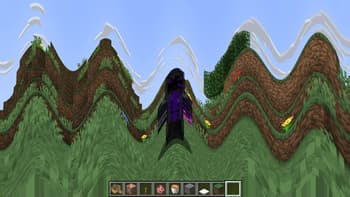
About
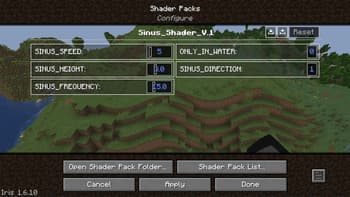
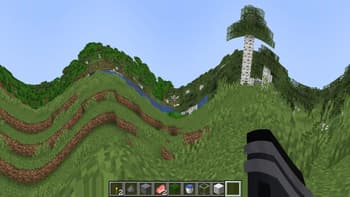
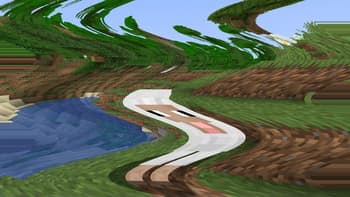
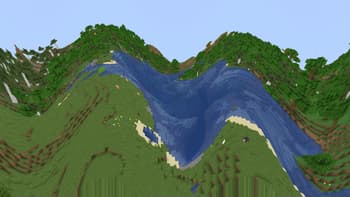
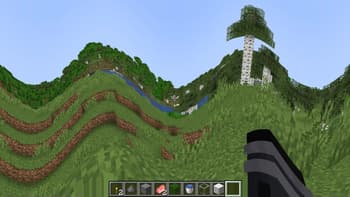
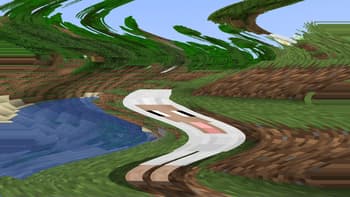
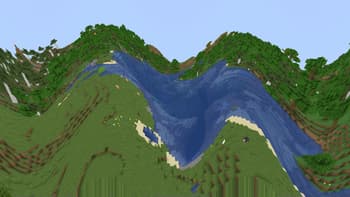
### Sinus Shader is a Minecraft Optifine/Iris Shader that makes the game render in a Sine Wave.  It is an interesting distortion effect and I like sine waves. The effect is customizable, you can set the direction from horizontal(0 in V1 | 1, 2 in V2) to vertical(1 in V1 | 3, 4 in V2), the frequency and the height(amplitude). 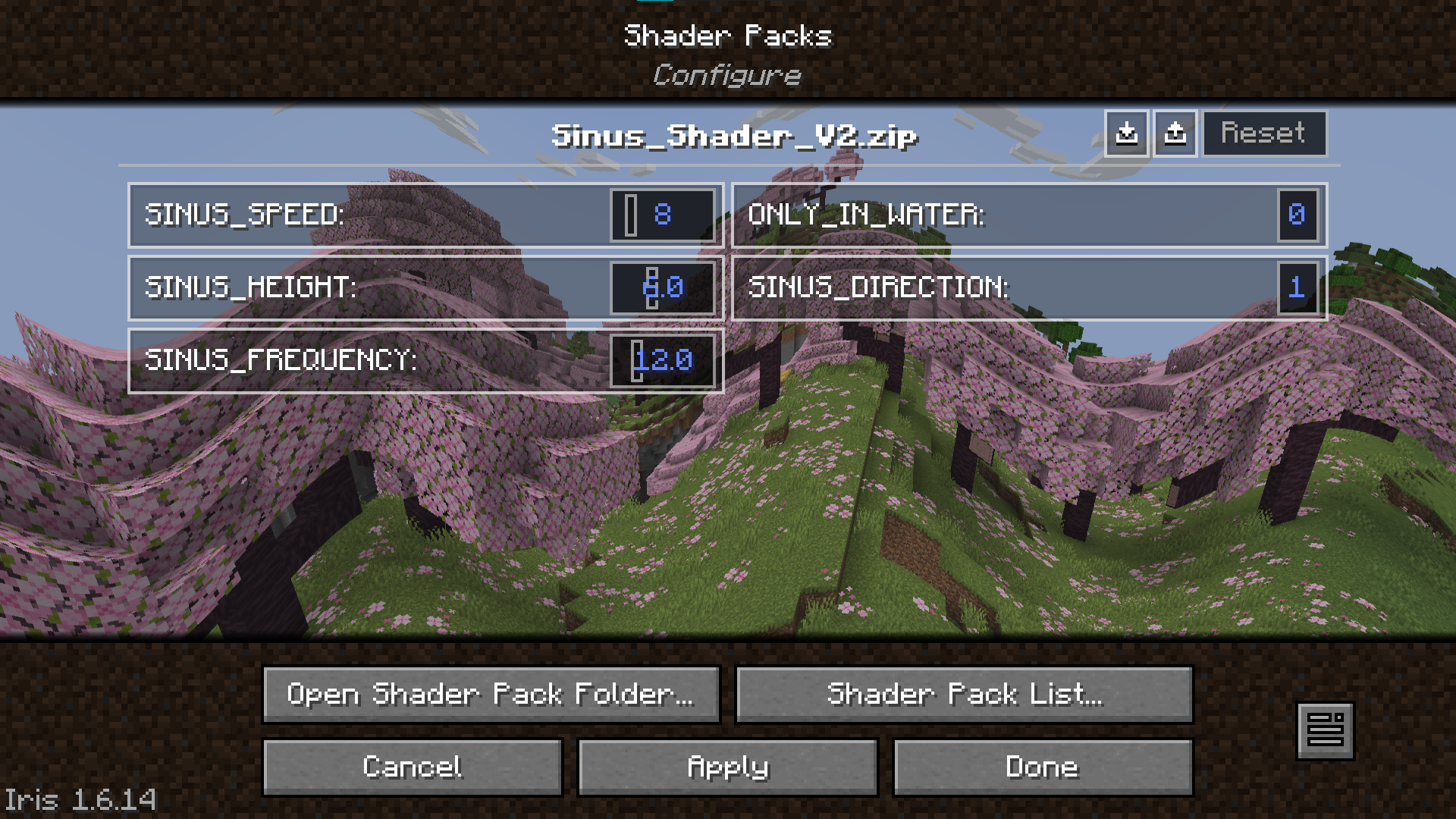 Version 2 also features customizable movement(left to right, right to left, top to bottom, bottom to top) and the option to only apply the effect if you are under water. 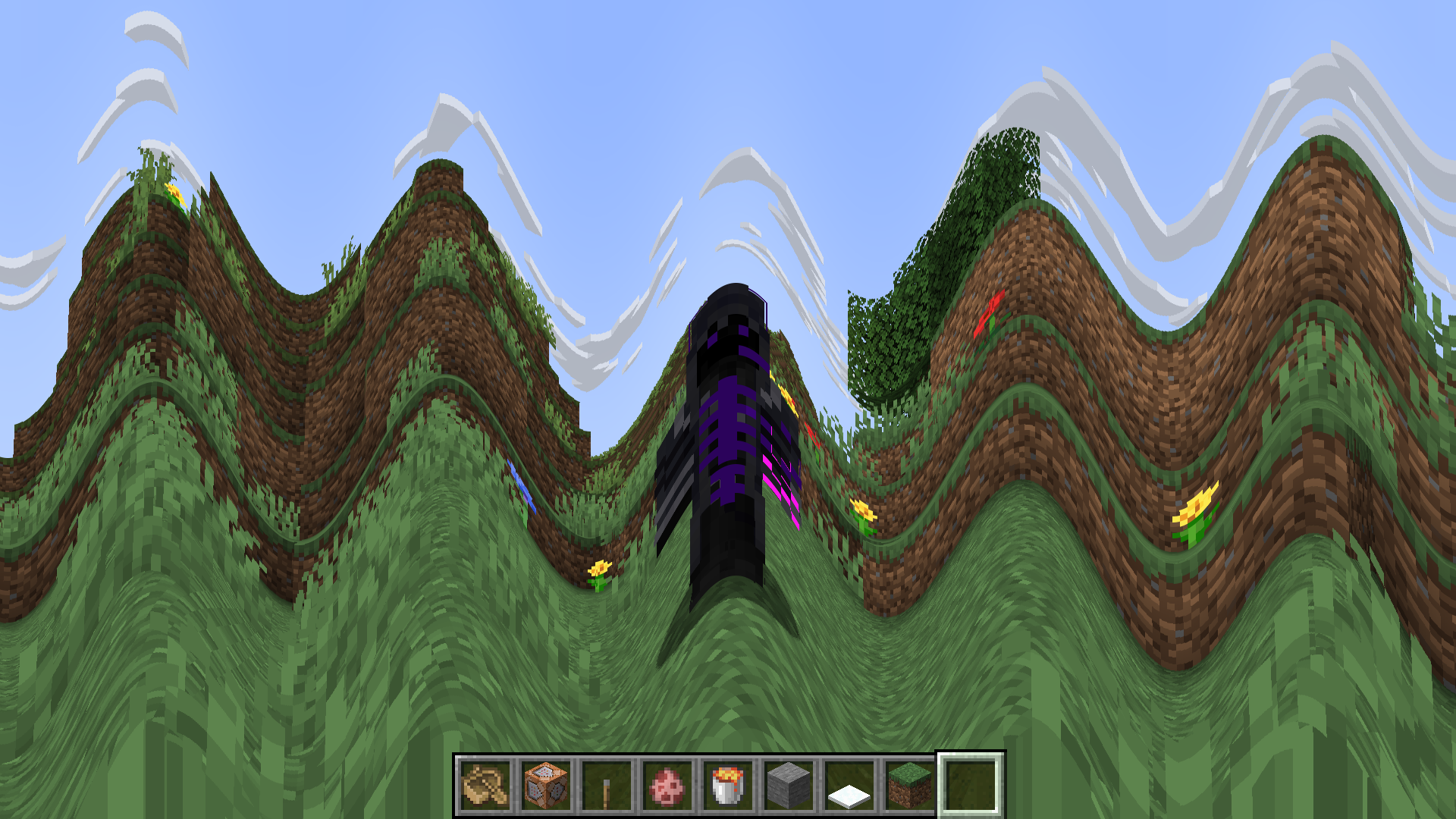 ...
Read more on ModrinthPreview
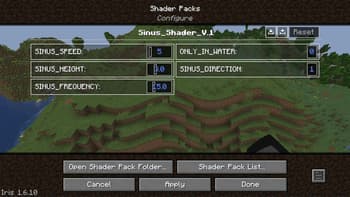
Big Waves Example Settings
Versions
Sinus Shader V2
2 years ago
Sinus Shader V1
2 years ago

nz3digital1
Owner
Related Shaders

Clarity
FullBright2 is now named Clarity and it removes all shadows and fog wich makes you see clearly everywhere and can be used for mining or travelling at night.

CTR VCR
Retro stylized shader that brings artifacts from CRT and VCR / VHS

Cursed Fog
Creepy, tense shaders that will tickle your nerves.

Flashlight Shader
Iris shader that gives you a flashlight!