

Skew
1.21.11SHADERby xsoras
Preview


About
[](https://discord.gg/XgH4EpyPD2) > *Subtle instability. Dynamic motion. Zero gameplay impact.* This lightweight post-processing shader adds animated screen distortion, directional skew, and camera-like shake to create a more intense and immersive visual experience. Designed for OptiFine and Iris compatibility, it runs entirely as a fullscreen effect with minimal performance overhead. 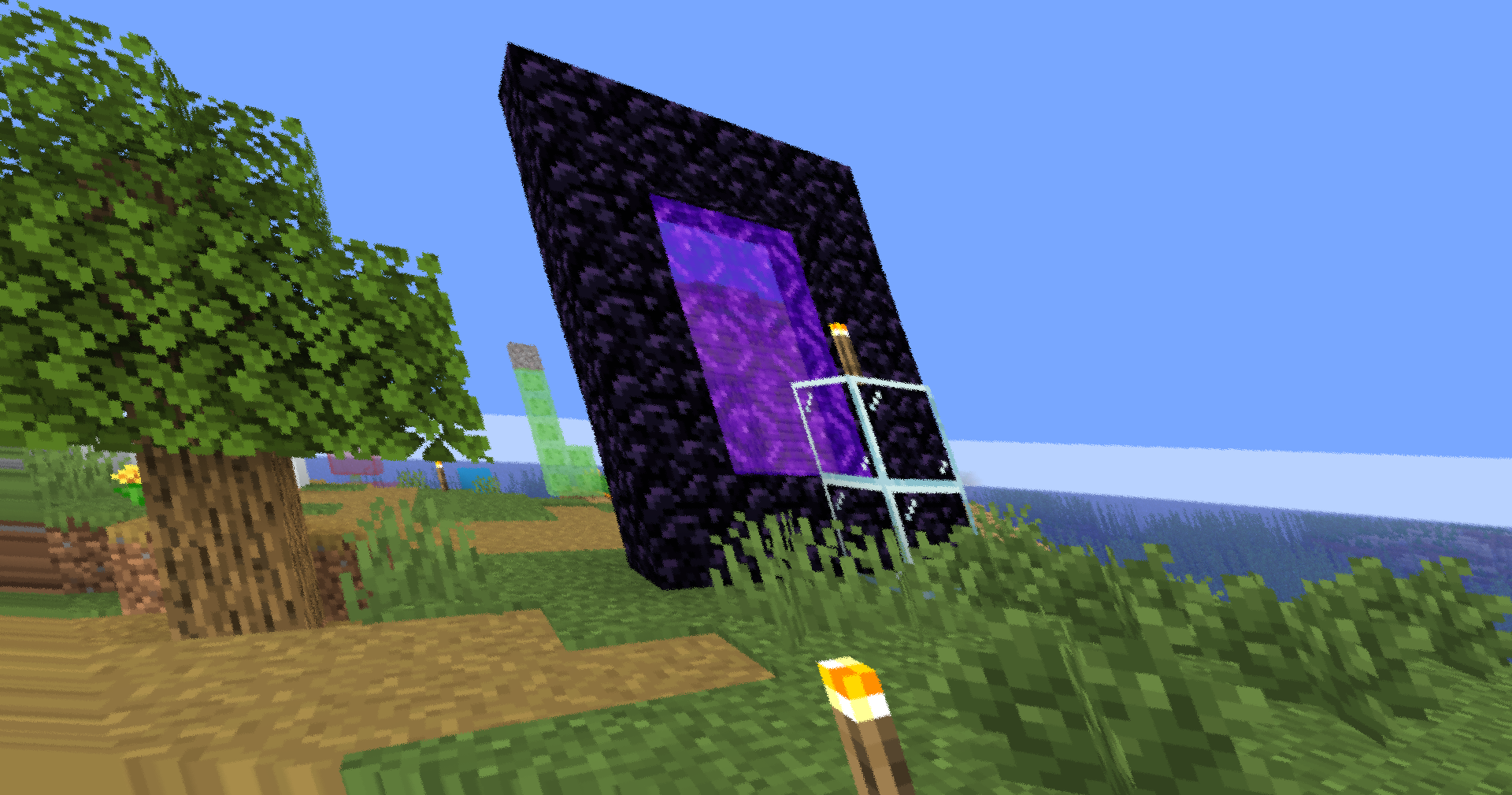 - 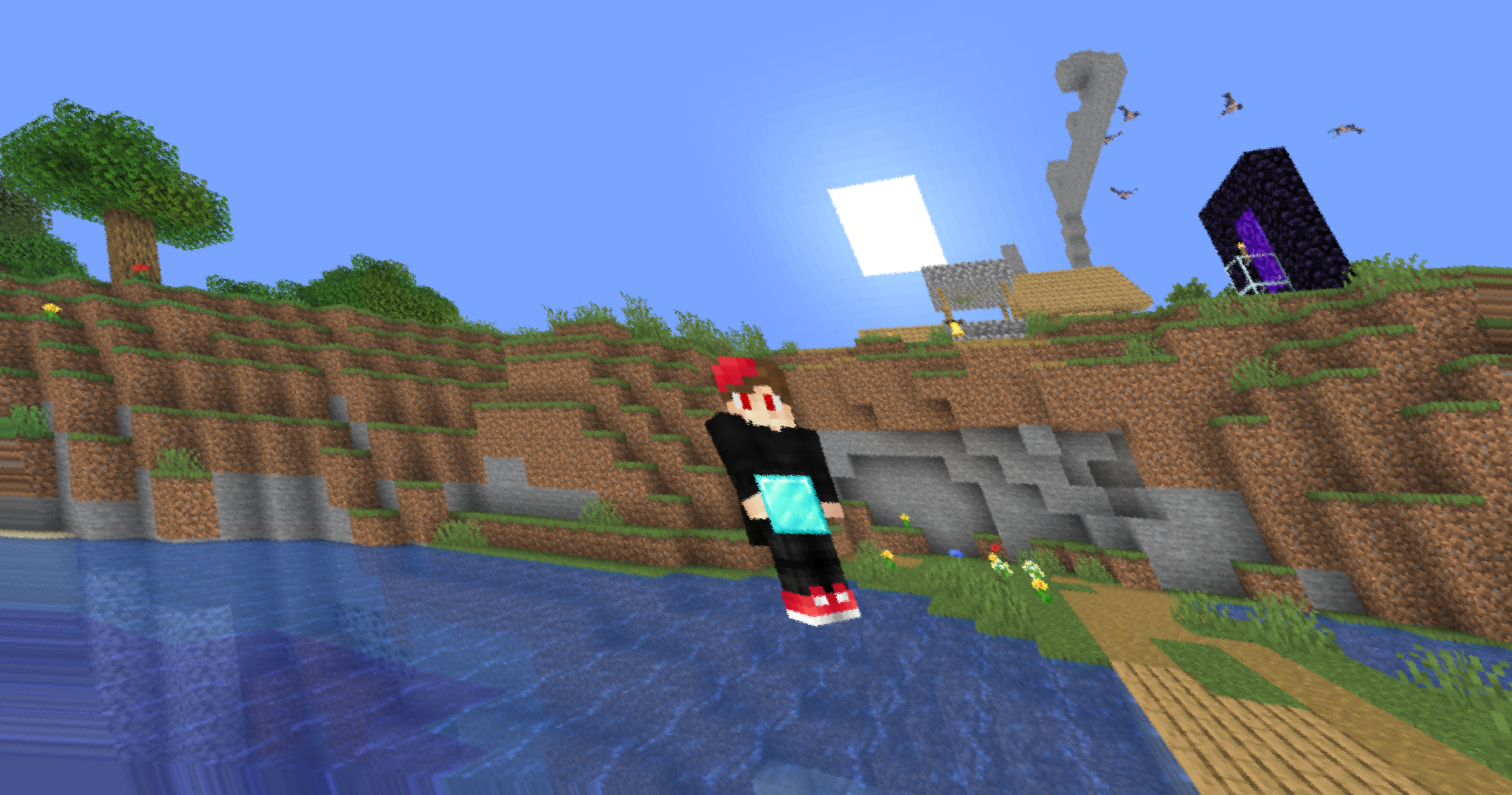 ### ✨ Features **Animated Screen Skew** A time-varying shear transformation subtly b...
Read more on ModrinthPreview


Versions
Skew 0.5
1 month ago

xsoras
Owner
Related Shaders

Clarity
FullBright2 is now named Clarity and it removes all shadows and fog wich makes you see clearly everywhere and can be used for mining or travelling at night.

CTR VCR
Retro stylized shader that brings artifacts from CRT and VCR / VHS

Cursed Fog
Creepy, tense shaders that will tickle your nerves.

Flashlight Shader
Iris shader that gives you a flashlight!