Smoother Glowing
1.21.11SHADERby MelonRind
Preview
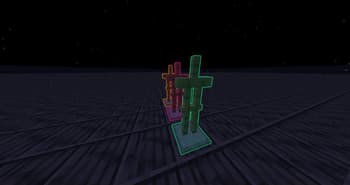
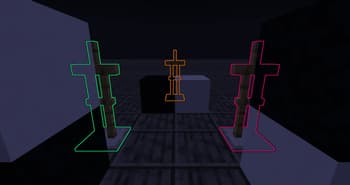
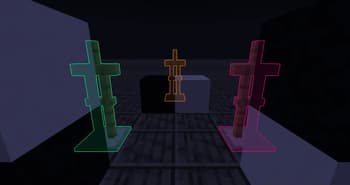
About
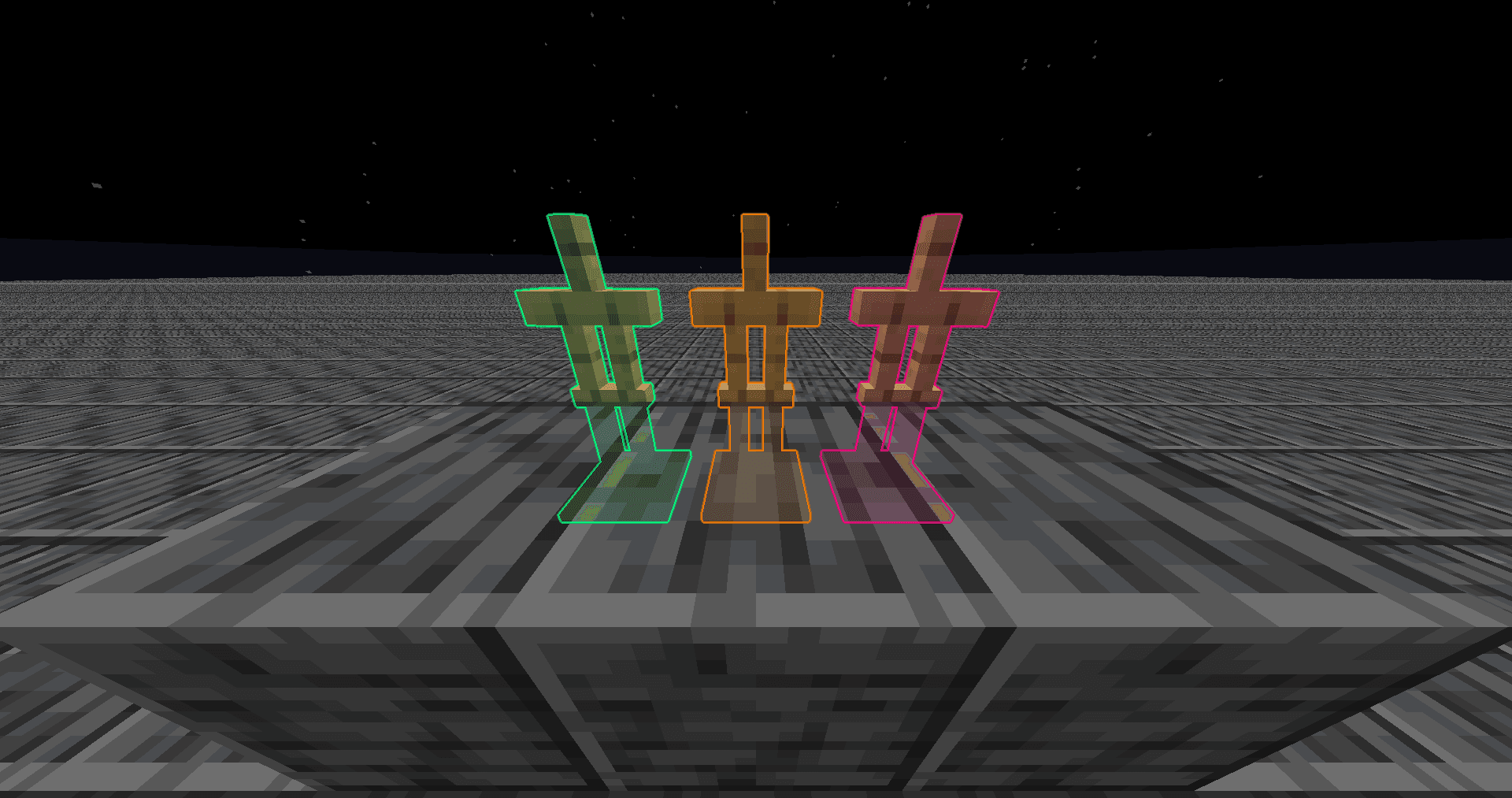
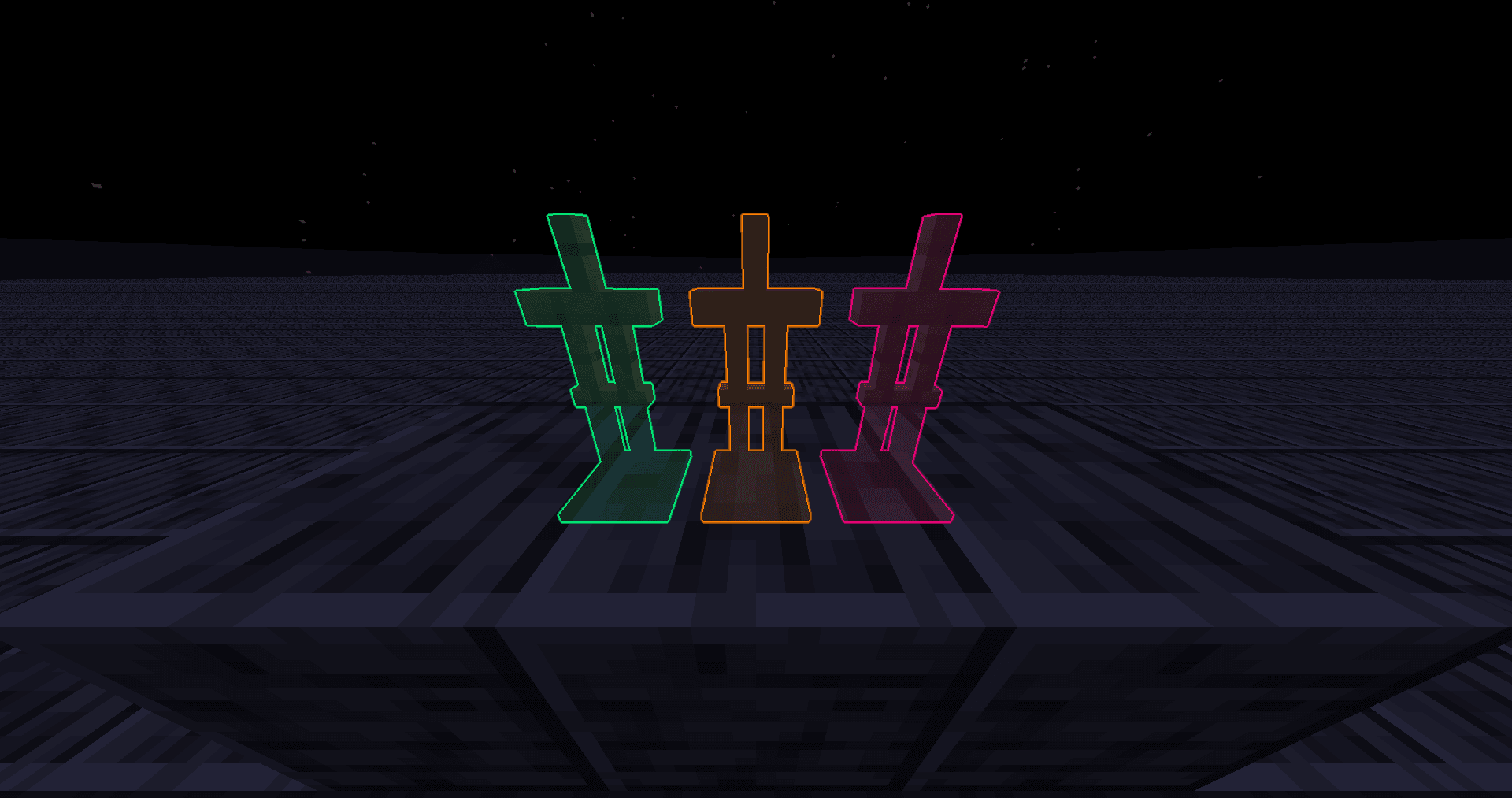
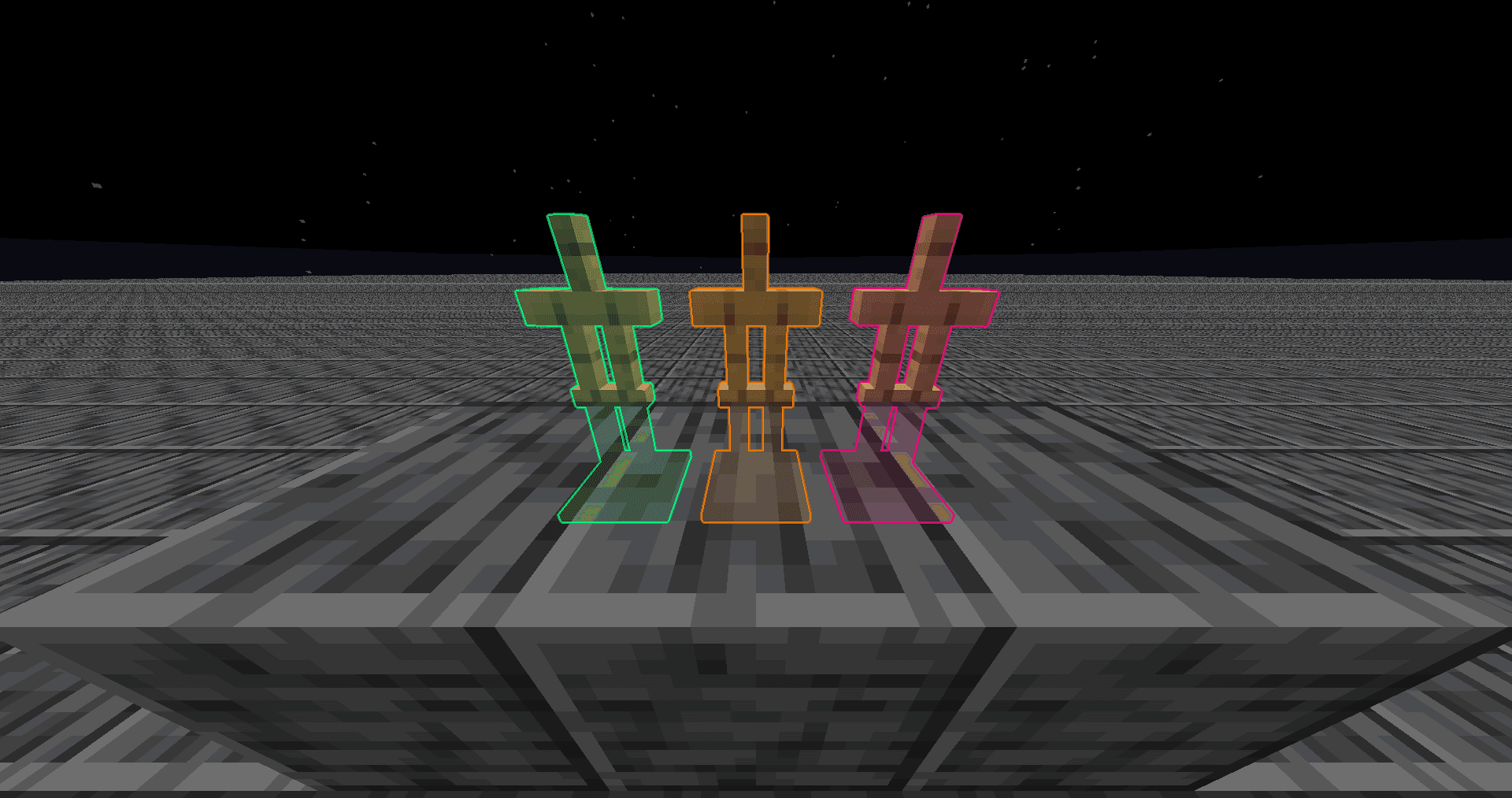
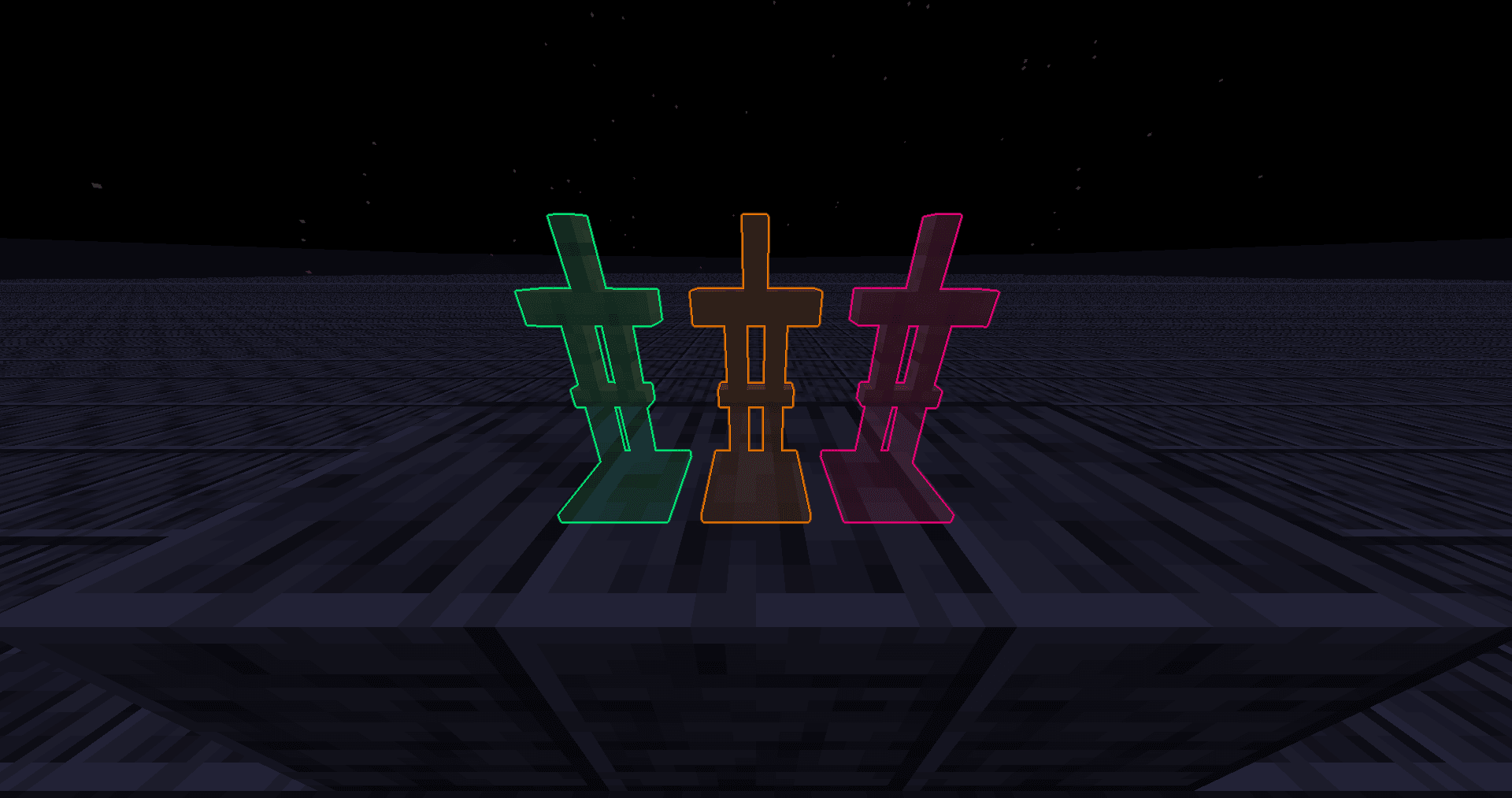
I've rewritten the glowing post shader to remove the black outline and stop it from covering the entity, it looks better imo. Also, it's faster than vanilla so you'll lose less fps while there's glowing entity in view. Feel free to use it anywhere! ### Mc Version It works on Minecraft 1.9 and all the way up. But **if you're on below Minecraft 1.14, you'll need a game restart after applying this pack.** (Technically it works on all version because there's no glowing effect before 1.9) Recently (2025/10/19) found out that it doesn't work below Minecraft 1.17 on macOs, and I didn't bother to debug it. My windows pc broke so I can't test if it still works on windows. I'd like to assume it does.. ### Installing It should be installed like resource pack. Why is it in Shaders category? ...
Read more on ModrinthPreview
Versions
Smoother Glowing v1.4.0
8 months ago
Smoother Glowing v1.3.0
1 year ago
Smoother Glowing v1.2.0
1 year ago
Smoother Glowing v1.1.0
1 year ago
Smoother Glowing v1.0.2
1 year ago
Smoother Glowing v1.0.1
2 years ago
MelonRind
Owner
Related Shaders

Complementary Shaders - Reimagined
Preserving the elements of Minecraft with exceptional quality, detail, and performance.

Complementary Shaders - Unbound
Transforming the visuals of Minecraft with exceptional quality, detail, and performance.

MakeUp - Ultra Fast
MakeUp aims to provide the best quality / performance ratio, building a shader that can be adapted to anyone's resources.

Mellow
Shaderpack with a painterly aesthetic made for people who want to actually play the game. It's easy on your eyes and on your computer!