
Somber
1.21.11SHADERby Snorfield
Preview
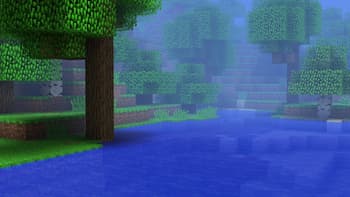
About
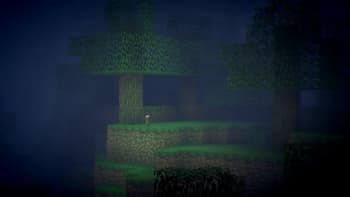
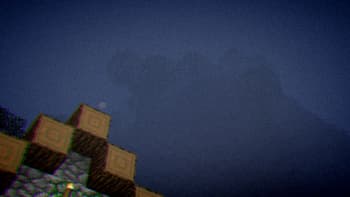
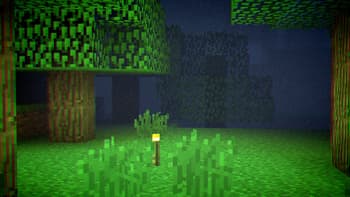
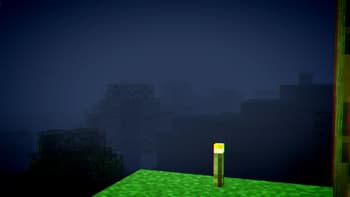
# Somber  Somber is a light-weight shader that aims to bring back the nostalgic atmosphere of earlier beta / alpha versions of minecraft with added eerie effects. **It is recommended to use the built-in *Programmer Art* texture pack to bring back old textures.**  ## Effects Most effects can be toggled and customized in the settings menu for the shader including - Vignette - Vignette Strength - Chromatic Aberration - Aberration Strength - Noise - Noise Strength - Fog - Fog Strength - Fog Sky Overlay - Water Transparency - Water Vibrance St...
Read more on ModrinthPreview
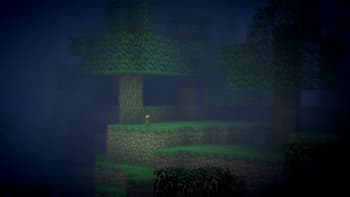
Distant Torch
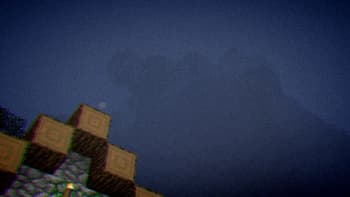
The Hill in the Fog
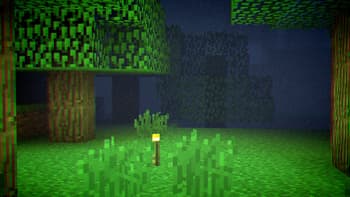
Torch
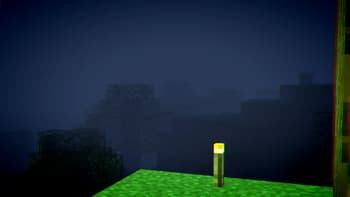
Overlooking the Gloom
Versions
2.0
7 months ago
1.0
8 months ago

Snorfield
Owner
Related Shaders

Complementary Shaders - Reimagined
Preserving the elements of Minecraft with exceptional quality, detail, and performance.

Complementary Shaders - Unbound
Transforming the visuals of Minecraft with exceptional quality, detail, and performance.

BSL Shaders
Shaderpack for Minecraft: Java Edition. It's bright, colorful, and distinct.

Photon Shaders
A gameplay-focused shader pack with a semi-realistic style