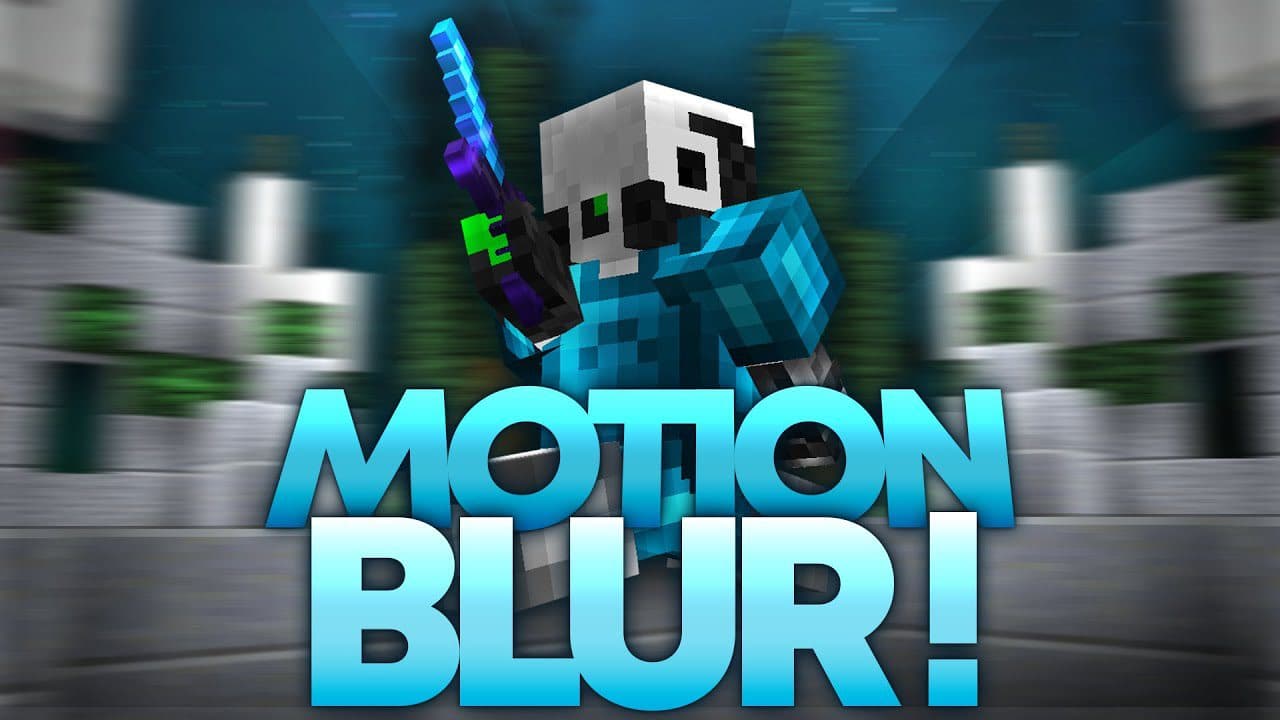

Spirity Motion Blur
1.21.11SHADERby ItsAnshuXD
Preview
About
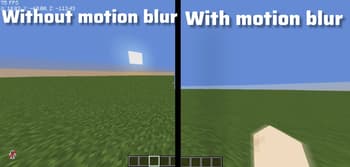
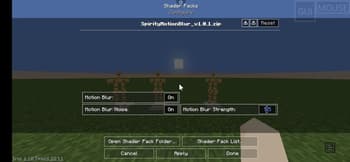
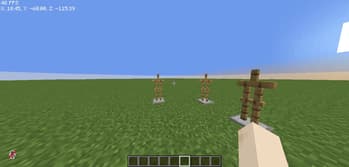
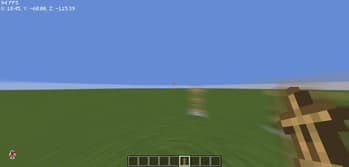
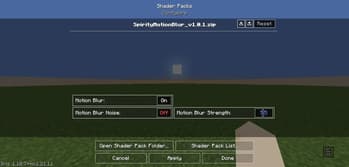
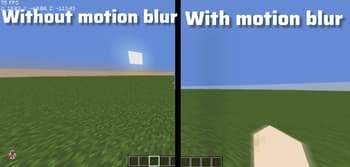
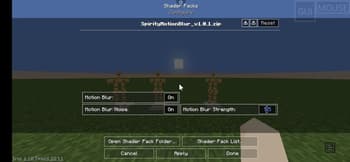
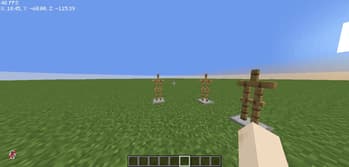
🎮 Spirity Motion Blur Shader Spirity Motion Blur is a performance-friendly shader designed to give your Minecraft gameplay a smooth and cinematic feel without reducing FPS. ✨ Features: • Smooth motion blur effect while moving • No FPS drop (optimized for low-end devices) • Clean and minimal visual enhancement • Works perfectly for PvP and fast gameplay • Compatible with Iris and OptiFine • Supports Minecraft versions 1.21 to 1.21.11 ⚡ Performance: This shader is built for stability. Even on low-end devices, you can enjoy motion blur without lag or stutter. 🎯 Use Cases: • PvP gameplay • Smooth camera movement • Cinematic recording • Survival gameplay enhancement 🛠️ Installation: 1. Download the shader 2. Move it to .minecraft/shaderpacks/ 3. Enable it from Video Settings → Shaders ...
Read more on ModrinthPreview
Motion Blur Shader
Versions
Spirity Motion Blur 1.0.1
2 months ago

ItsAnshuXD
Owner
Related Shaders

Complementary Shaders - Reimagined
Preserving the elements of Minecraft with exceptional quality, detail, and performance.

Complementary Shaders - Unbound
Transforming the visuals of Minecraft with exceptional quality, detail, and performance.

BSL Shaders
Shaderpack for Minecraft: Java Edition. It's bright, colorful, and distinct.

Photon Shaders
A gameplay-focused shader pack with a semi-realistic style