
Stracciatella Shaders
1.21.11SHADERby DrDesten
Preview
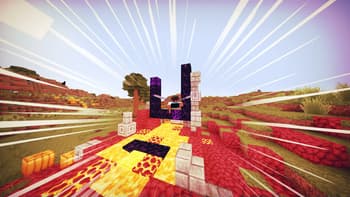
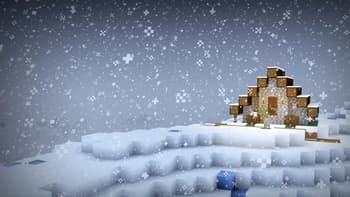
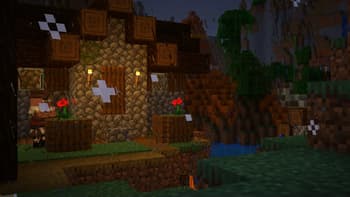
About
# Stracciatella A very lightweight vanilla style shader with colored lights. Focuses on adding some nice features that go hand in hand with vanilla. It is highly configurable and lets you craft your own personal vanilla experience. ## Feature Highlights ### Colored Lighting Stracciatella adds multi-lightsource colored lighting to Minecraft with excellent performance. Light emitting blocks glow bright and tint and shade the environment. ### Beautiful Distance Fog The Overworld and the Nether have highly optimized volumetric-like fog effects that look especially beautiful with Distant Horizons, such as dynamic fog based on height aswell as patches of dense fog that sweep the landscape. ### Many Bells and Whistles Stracciatella is packed with many subtle but important visual improveme...
Read more on ModrinthPreview
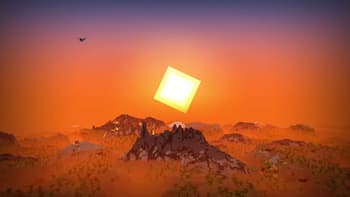
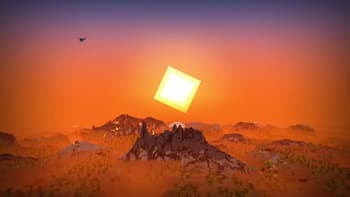
Distant Horizons Sunrise
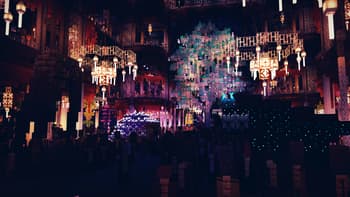
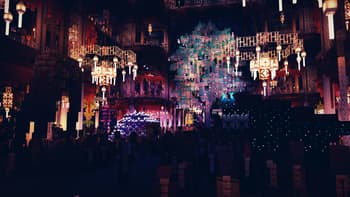
Marketplace
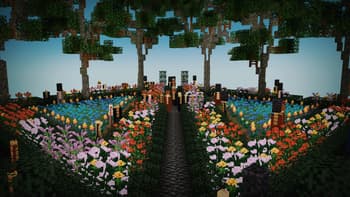
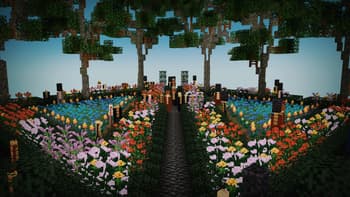
Garden
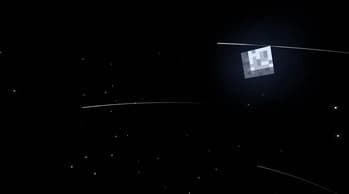
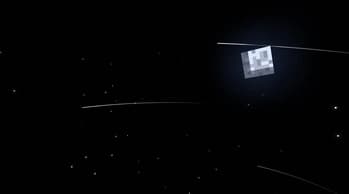
Night Sky
Versions
V1.6.4.1
4 months ago
V1.6.4
6 months ago
V1.6.3
8 months ago
V1.6.2
1 year ago
V1.6.1
1 year ago
V1.6
1 year ago

DrDesten
Owner
Related Shaders

Complementary Shaders - Reimagined
Preserving the elements of Minecraft with exceptional quality, detail, and performance.

Complementary Shaders - Unbound
Transforming the visuals of Minecraft with exceptional quality, detail, and performance.

BSL Shaders
Shaderpack for Minecraft: Java Edition. It's bright, colorful, and distinct.

Photon Shaders
A gameplay-focused shader pack with a semi-realistic style