
Super Ugly Shaders
1.21.11SHADERby CrafterAurora
47.0K48
How to Install:
1. Download shader file→2. Open Minecraft with OptiFine/Iris→3. Video Settings > Shaders→4. Put file in shaders folder
Installation:
1. Download shader file•2. Open Minecraft with OptiFine/Iris•3. Go to Video Settings > Shaders•4. Click Shaders Folder•5. Put file in folder & select
Preview
UGLY
SHADERS
About
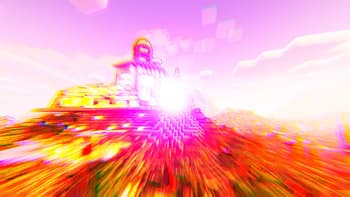
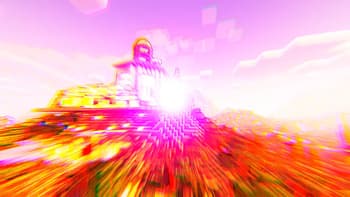
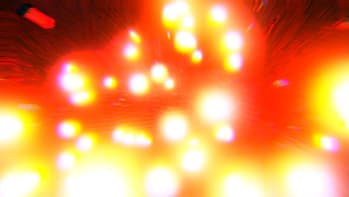
## Why?! Based on Complimentary Unbound, these shaders were made to be as ugly as possible. Honestly, these shaders are a complete joke. Use at your own risk and don't use if you have issues with photosensitivity or motion sickness.
Preview
SUPER
UGLY
SHADERS
Versions
JUST DON'T
2 years ago
Developers
CrafterAurora
Owner
Related Shaders

Clarity
FullBright2 is now named Clarity and it removes all shadows and fog wich makes you see clearly everywhere and can be used for mining or travelling at night.
atmospherecartooncursedfantasyirislowoptifinepotatoshadowsvanilla-like
659.2K

CTR VCR
Retro stylized shader that brings artifacts from CRT and VCR / VHS
bloomcursedirislowoptifinepotatosemi-realisticvanilla-like
464.4K

Cursed Fog
Creepy, tense shaders that will tickle your nerves.
atmospherebloomcolored-lightingcursedhighirislowmediumoptifinepotatorealisticscreenshotsemi-realisticshadows
461.3K

Flashlight Shader
Iris shader that gives you a flashlight!
atmospherecursedirisoptifinepotatovanilla-like
340.4K