
The Better Default
1.21.11SHADERby Gr1mly4Memes
About
# The Better Default A lightweight, high-performance shaderpack for Minecraft 1.21+, 26+. Designed to look like "Minecraft 2.0" - keeping the vanilla feel while adding modern lighting, shadows, and atmosphere. ## Features * **Dynamic Lighting**: Handheld torches light up the area. * **Colored Lights**: Soul lanterns are blue, Redstone is red. * **Better Water**: Reflective and blue, no more dark void. * **Atmosphere**: Soft bloom, godrays, and waving foliage. * **Performance**: Optimized for high FPS on Iris/Sodium. ## Compatibility * Requires **Iris** (and Sodium). * Works on Minecraft 1.21+, 26+.
Preview
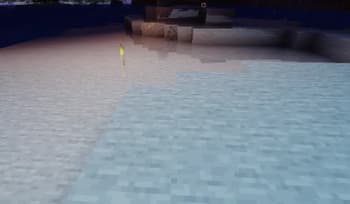
Torches
Versions
First
6 months ago

Gr1mly4Memes
Owner
Related Shaders

Complementary Shaders - Reimagined
Preserving the elements of Minecraft with exceptional quality, detail, and performance.

Complementary Shaders - Unbound
Transforming the visuals of Minecraft with exceptional quality, detail, and performance.

BSL Shaders
Shaderpack for Minecraft: Java Edition. It's bright, colorful, and distinct.

Photon Shaders
A gameplay-focused shader pack with a semi-realistic style