
the Next Shader
1.21.11SHADERby Coldnight
Preview
About
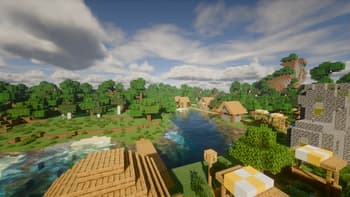
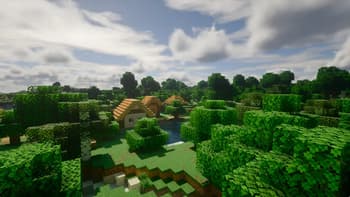
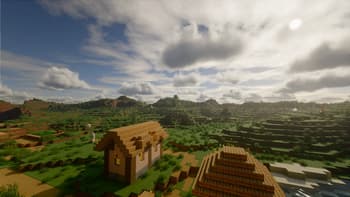
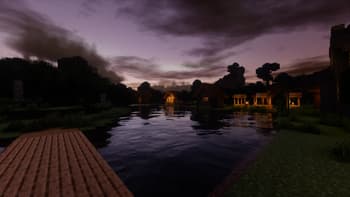
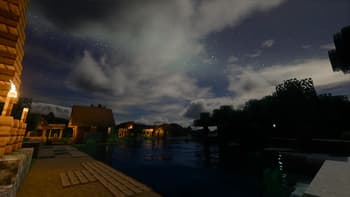
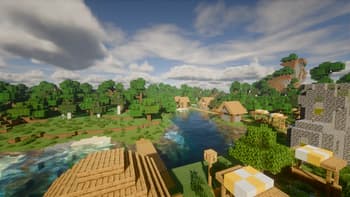
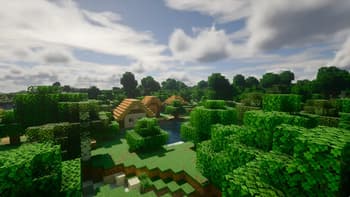
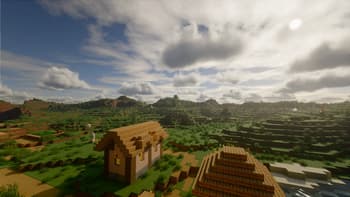
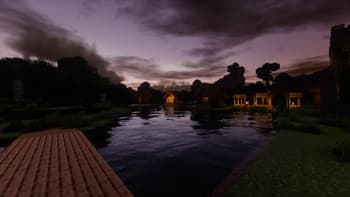
This is a simple shader pack I created while learning. It will be completely open-source and free for everyone to use. This shader pack includes some basic effects such as real-time shadows, simple PBR, basic global illumination, as well as atmospheric scattering and volumetric clouds. My skills are limited, so the quality is modest and the completion rate is not high. I will continue learning and improving it. Thank you for your understanding. 
Preview
Cover
Cover
Versions
the Next Shader 2.3
3 months ago

Coldnight
Owner
Related Shaders

Complementary Shaders - Reimagined
Preserving the elements of Minecraft with exceptional quality, detail, and performance.

Complementary Shaders - Unbound
Transforming the visuals of Minecraft with exceptional quality, detail, and performance.

Solas Shader
A modern fantasy stylized shaderpack with colored lighting and stunning visuals

Bliss Shaders
A well performing fantasy styled shaderpack with emphasis on scene variation and customization.