

True Vanilla
1.21.11SHADERby naklirajveer
Preview


About
# True Vanilla Minecraft already looks good. True Vanilla just makes it look a little better without going crazy about it. No lens flares. No fake sun rays. No stuff your PC can't handle. Just clean fog, smooth colors, and a few fun filters you can actually toggle in the menu. (Basically Adds just Fog and some fun settings) 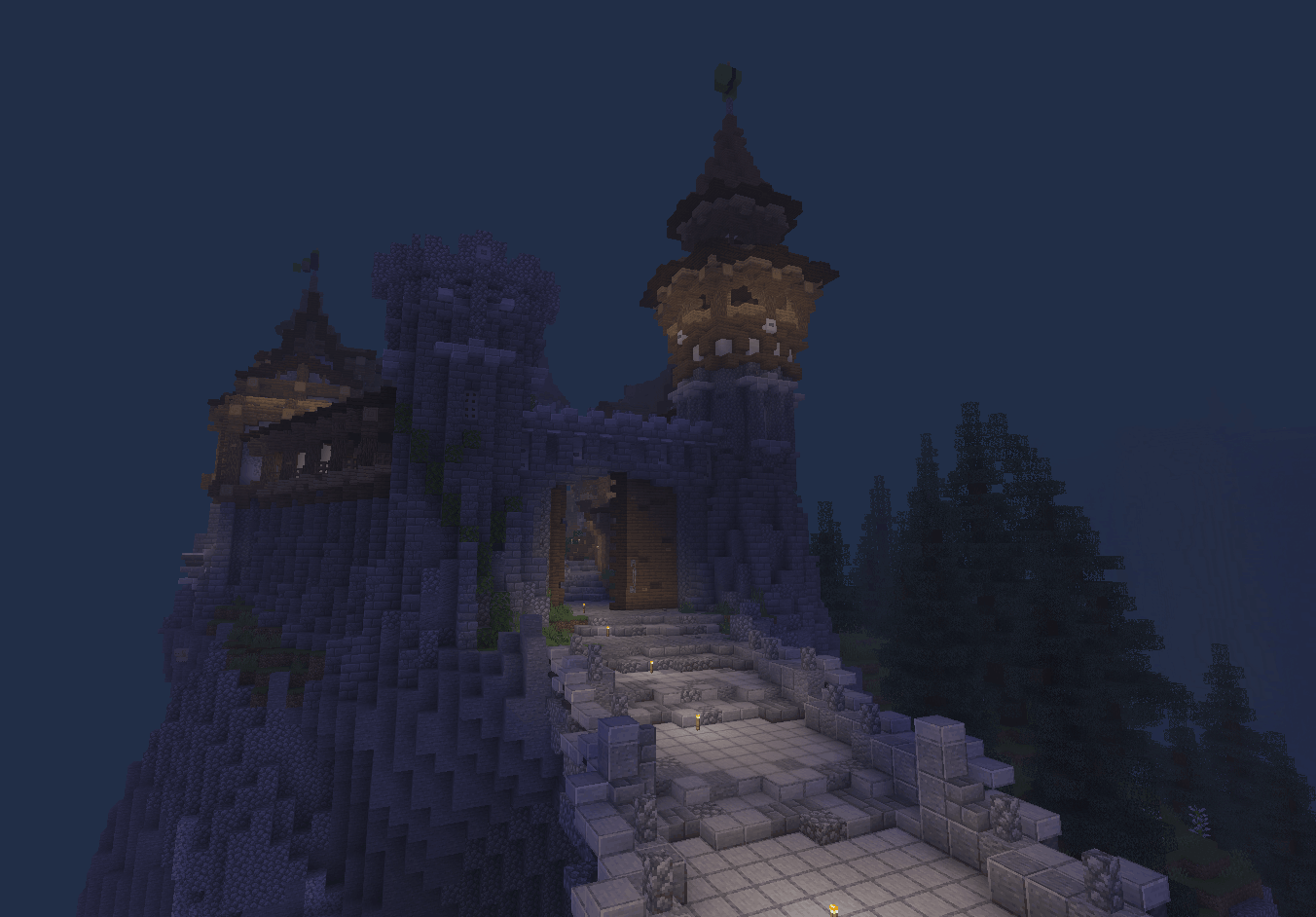 ## What's in it - Adjustable retro fog — push it close for that cozy old-school feel or stretch it out wide - Brightness, contrast, and color saturation sliders - Grayscale filter for that black and white cinematic look - Photo-negative invert filter - Night vision green tint mode - Super lightweight — works great on low-end PCs Everything is tweakable stra...
Read more on ModrinthPreview

Showcase Midnight

Showcase Day

End city

Showcase night
Versions
1.0
2 weeks ago
Related Shaders

Complementary Shaders - Reimagined
Preserving the elements of Minecraft with exceptional quality, detail, and performance.

Complementary Shaders - Unbound
Transforming the visuals of Minecraft with exceptional quality, detail, and performance.

BSL Shaders
Shaderpack for Minecraft: Java Edition. It's bright, colorful, and distinct.

Photon Shaders
A gameplay-focused shader pack with a semi-realistic style