
Ultimate Nausea
1.21.11SHADERby sillypantscoder
3.0K0
How to Install:
1. Download shader file→2. Open Minecraft with OptiFine/Iris→3. Video Settings > Shaders→4. Put file in shaders folder
Installation:
1. Download shader file•2. Open Minecraft with OptiFine/Iris•3. Go to Video Settings > Shaders•4. Click Shaders Folder•5. Put file in folder & select
About
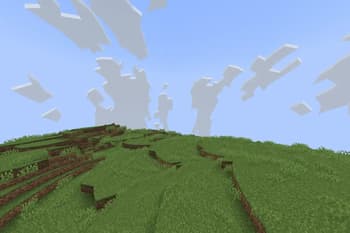
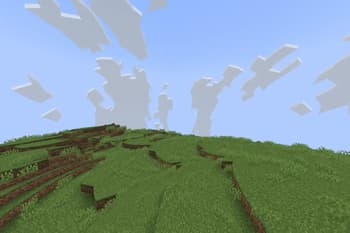
I was messing around with shaders and made this. Good luck. This shader makes objects that are far away appear to spin. This was done by applying the sine and cosine functions to the distance from the camera to each vertex. WARNING: The larger your game resolution, the less inventory visual bugs there will be!
Preview
Example
Versions
Ultimate Nausea 1.2.2
6 months ago
Ultimate Nausea 1.3.4
7 months ago
Developers

sillypantscoder
Owner
Related Shaders

Clarity
FullBright2 is now named Clarity and it removes all shadows and fog wich makes you see clearly everywhere and can be used for mining or travelling at night.
atmospherecartooncursedfantasyirislowoptifinepotatoshadowsvanilla-like
659.2K

CTR VCR
Retro stylized shader that brings artifacts from CRT and VCR / VHS
bloomcursedirislowoptifinepotatosemi-realisticvanilla-like
464.4K

Cursed Fog
Creepy, tense shaders that will tickle your nerves.
atmospherebloomcolored-lightingcursedhighirislowmediumoptifinepotatorealisticscreenshotsemi-realisticshadows
461.3K

Flashlight Shader
Iris shader that gives you a flashlight!
atmospherecursedirisoptifinepotatovanilla-like
340.4K