
Vanilla Plus Shader
1.21.11SHADERby RRe36
Preview
About
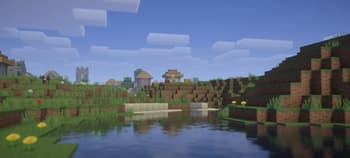
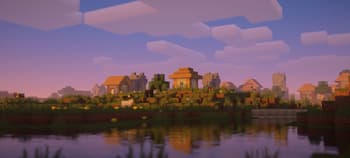
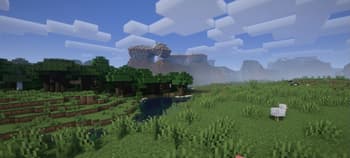
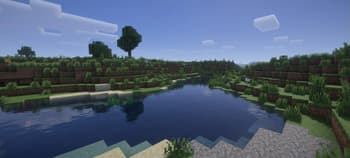
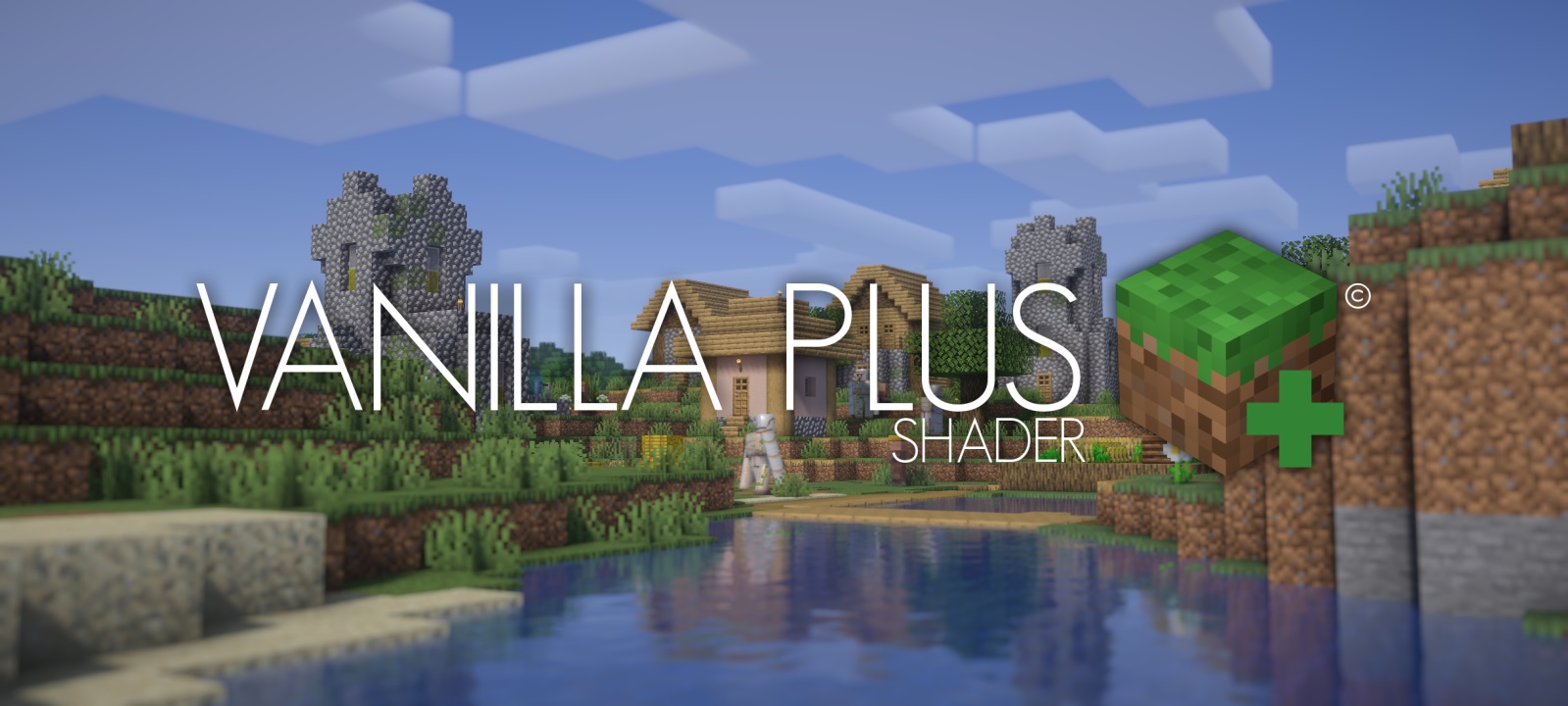 ## **What is the Vanilla Plus Shader?** This shaderpack gives the the game a modern and streamlined visual overhaul while staying faithful to the original visuals. ## **What features does it offer?** * Dynamic soft shadows * Volumetric vanilla-style clouds (they rely on the cloud texture from the resourcepack as well) * Temporal Anti-Aliasing * Improved lighting and dynamic colours * Optional custom water and screenspace reflections * Screenspace godrays * Support for resourcepack materials based on the labPBR standard * Various colour profiles that imitate certain looks or older shaderpacks that are broken on modern Minecraft versions (examples below) * Various optional lens effects such as depth of fi...
Read more on ModrinthPreview
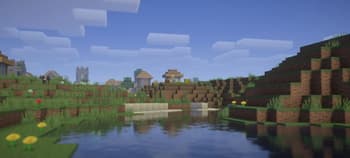
Vanilla Plus v3.0
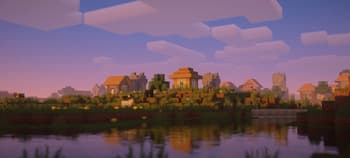
Vanilla Plus v3.0
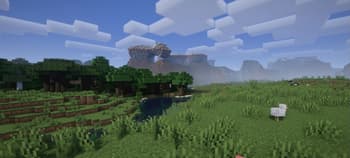
Vanilla Plus v3.0
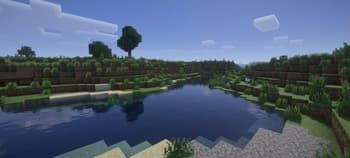
Vanilla Plus v3.0
Versions
Vanilla Plus v3.3
1 year ago
Vanilla Plus v3.2
3 years ago
Vanilla Plus v3.1
3 years ago
Vanilla Plus v3.0b
3 years ago
Vanilla Plus v3.0
3 years ago
RRe36
Owner
Related Shaders

Complementary Shaders - Reimagined
Preserving the elements of Minecraft with exceptional quality, detail, and performance.

Complementary Shaders - Unbound
Transforming the visuals of Minecraft with exceptional quality, detail, and performance.

BSL Shaders
Shaderpack for Minecraft: Java Edition. It's bright, colorful, and distinct.

Photon Shaders
A gameplay-focused shader pack with a semi-realistic style