
vfx-simple
1.21.11SHADERPreview
About
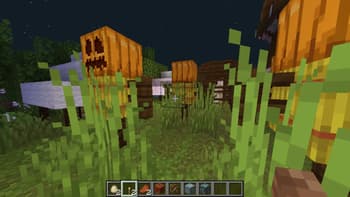
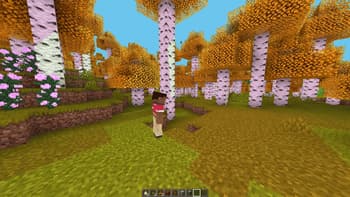
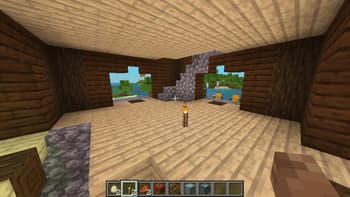
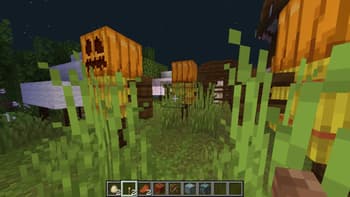
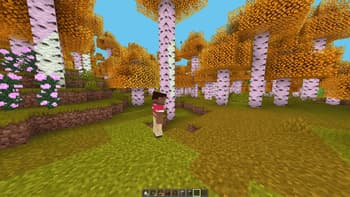
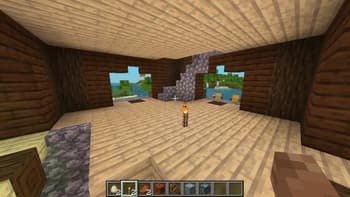
# VFX Simple – Beta Build *A lightweight shader pack by BunnyCrop Studios that enhances Minecraft’s visuals without sacrificing performance.* ## 🎥 Showcase ## ✨ Features ### Enhanced Lighting & Shadows - Soft dynamic shadows that add depth to your world - Improved entity shadows with reduced glitching - Subtle ambient occlusion for realistic depth perception - Warm glow from light sources with gentle flickering ### Vegetation Waving - Trees, flowers, and crops sway dynamically in the wind ### Particle Enhancements - Improved particle rendering and effects - Better integration of particles with the environment ### Performance Optimization - Built with performance in mind - Minimal impact on gameplay FPS - Compatible with a wide range of hardware ## 📋 Installation 1. Install [Op...
Read more on ModrinthPreview
Versions
vfx-simple-beta
6 months ago
vfx-simple
10 months ago
Vfx-simple_beta
10 months ago
Related Shaders

Complementary Shaders - Reimagined
Preserving the elements of Minecraft with exceptional quality, detail, and performance.

Complementary Shaders - Unbound
Transforming the visuals of Minecraft with exceptional quality, detail, and performance.

BSL Shaders
Shaderpack for Minecraft: Java Edition. It's bright, colorful, and distinct.

Photon Shaders
A gameplay-focused shader pack with a semi-realistic style