
VHS Shader
1.21.11SHADERby Multiverse
Preview
About
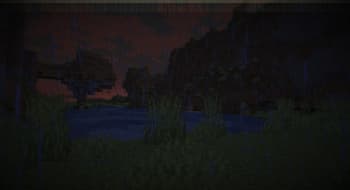
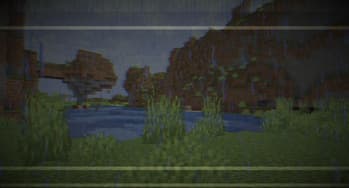
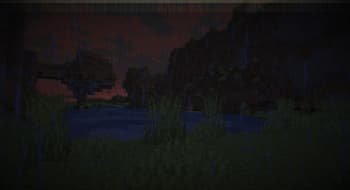
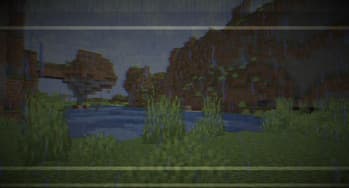
**English version:** VHS Shader — Play Minecraft Like It's on an Old VHS Tape 📼 Transforms your Minecraft into a retro VHS camera recording. RGB color split, tape wobble, scanlines, random tracking glitches, color bleed, warm yellow tint, heavy grain and head switching artifact at the bottom — everything you'd expect from a dusty old VHS tape found in the attic. **Features:** - RGB color split like deteriorating tape - Horizontal tape wobble distortion - CRT scanlines - Random tracking glitch lines - Horizontal color bleed - Warm yellow-green VHS tint - Heavy 24fps film grain - Head switching artifact at the bottom of the screen - Brightness flicker like power fluctuation - Camera lens vignette Compatible with Minecraft 1.0–1.21.x via OptiFine or Iris. Subscribe so you don't miss any...
Read more on ModrinthPreview
Shader showcase!
Shader showcase!
Versions
VHS Shader 1.0
3 months ago
VHS Shader v1.0
3 months ago

Multiverse
Owner
Related Shaders

Complementary Shaders - Reimagined
Preserving the elements of Minecraft with exceptional quality, detail, and performance.

Complementary Shaders - Unbound
Transforming the visuals of Minecraft with exceptional quality, detail, and performance.

BSL Shaders
Shaderpack for Minecraft: Java Edition. It's bright, colorful, and distinct.

Photon Shaders
A gameplay-focused shader pack with a semi-realistic style