
Tilde
1.21.11SHADERby Kattjakt
Preview
About
# ~ Tilde is a highly performant geometry shader that makes the world feel _alive_. --- The shader **only modifies the geometry of distant terrain**1, making it extremely lightweight. If you're able to run Minecraft without shaders, you can run Tilde! Comes with three presets: `Default`, `Increased Motion`, and `Reduced Motion`. > 1. Small deviations from vanilla may be present as of this time. Modifying the terrain geometry in a shader > like this means we have to replicate some aspects of the vanilla style ourself, such as the hand > and cloud appearance for example. Feel free to report an issue if you find anything that looks off! ## Installation Please note that the shader is still under development, and has only been only tested with [Iris](https://modrinth.com/mod/iris)...
Read more on ModrinthPreview
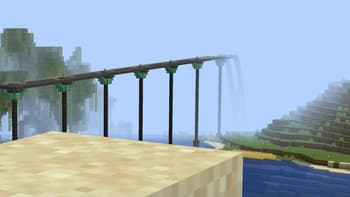
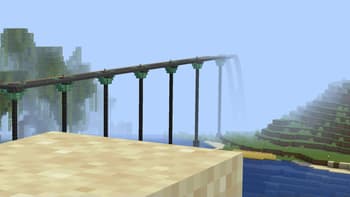
A railway appearing to fall out of the world
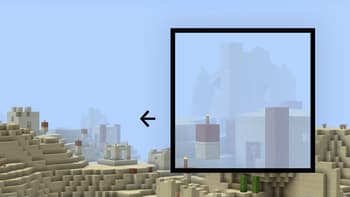
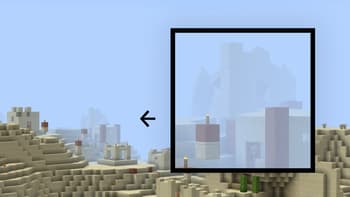
A village house fading out
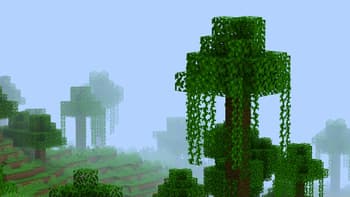
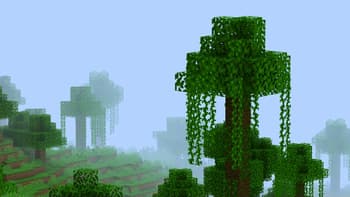
A couple of jungle trees rolling into view
Versions
v2
1 year ago
v1
1 year ago

Kattjakt
Owner
Related Shaders

Complementary Shaders - Reimagined
Preserving the elements of Minecraft with exceptional quality, detail, and performance.

Super Duper Vanilla
A shader pack created to convey the style of the cancelled Super Duper Graphics Pack and other popular Minecraft titles.

Nostalgia Shader
Capturing the essence of old shaderpacks to create a stylized and modern Minecraft-look.

Miniature Shader
Extremely lightweight with shadows and reflections